


A good local SEO checklist covers eight things: your Google Business Profile, matching contact details everywhere, genuine reviews, a real page for each service, matching schema, a fast mobile site, local links, and tracking. Google says local results depend mainly on relevance, distance and how well known a business is. You can’t move your business closer to every searcher, so every item below works on the other two.
Last checked against Google Business Profile Help, Google Search Central and web.dev: 25 Oct 2026.
Work through it in order. The early items are free, quick and matter most.
The checklist at a glance
| Task | How often |
|---|---|
| 1. Google Business Profile: category, services, service area, hours, photos | Set up once, check monthly |
| 2. Same name, address and phone everywhere | Once, then after any change |
| 3. Ask every customer for a review | After every job |
| 4. One page per main service and real location | Once per service, then when services or prices change |
| 5. LocalBusiness schema that matches the page | Once, retest after edits |
| 6. A fast site that’s easy to call from a phone | Check every few months |
| 7. Local links and mentions | Ongoing |
| 8. Track calls, clicks and where customers came from | Monthly |
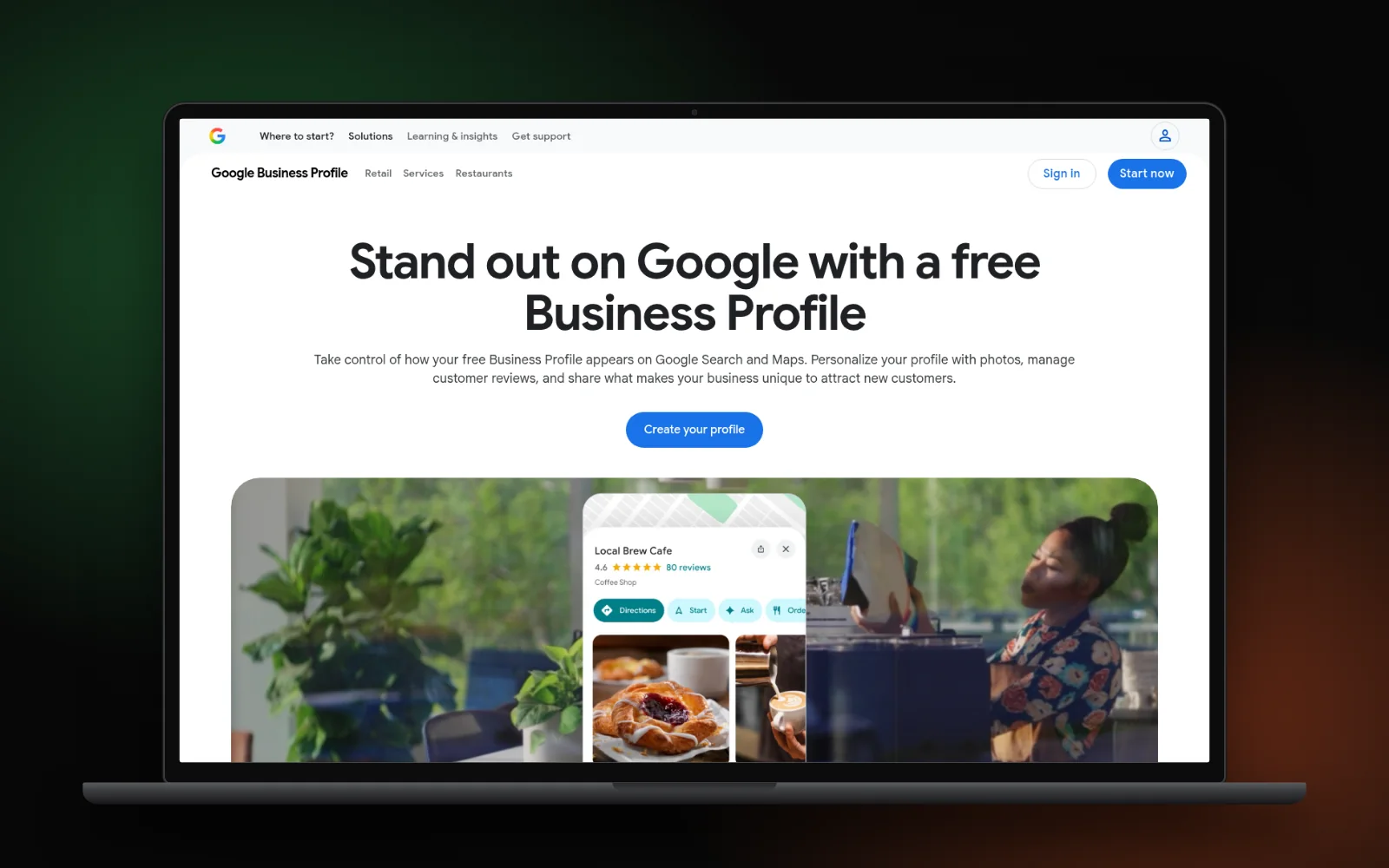
1. Get your Google Business Profile right
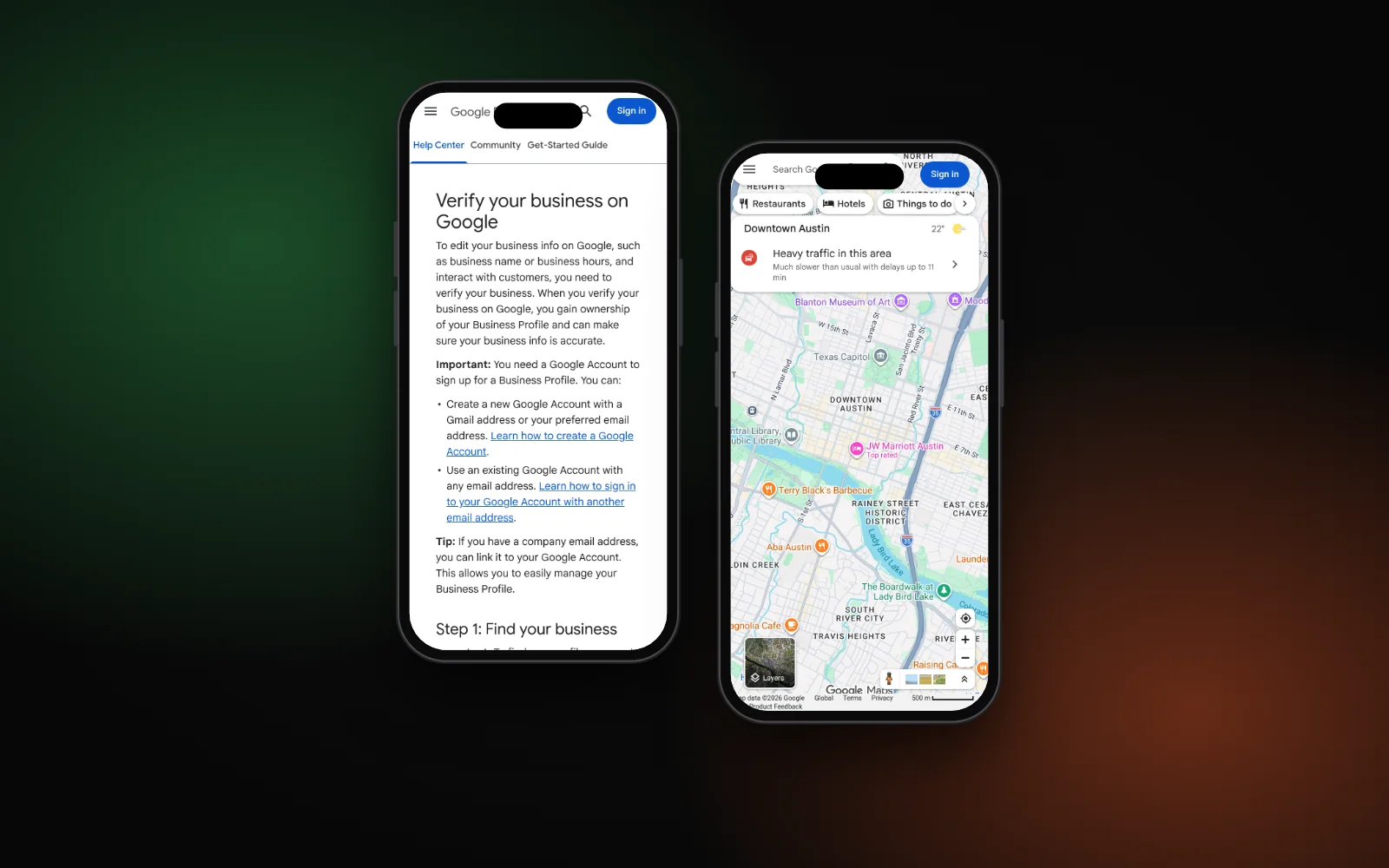
Your profile is what shows in the map results, so start here. Google’s local ranking tips put verification and complete, accurate information first.
- Verify the profile. Google says verification makes your business “more likely to show up in search results.”
- Use your real name. The guidelines say it “should reflect your business’s real-world name”. Adding keywords or a city to the name can get the profile suspended.
- Pick the most specific primary category. Google’s category help says categories “affect your local ranking” and gives the example of “Nail salon” rather than “Salon”. Add a few extra categories only for real departments or services.
- Address or service areas, not both by default. If customers don’t come to you, remove your address and list up to 20 service areas, within about 2 hours’ drive of your base.
- Hours, photos and the right link. Keep hours and holiday hours current, add your own photos, and link the profile to the page that best matches the location.
If your profile isn’t showing at all, our guide to why your business isn’t showing on Google Maps walks through the usual causes.
2. Make your name, address and phone match everywhere
Write down one version of your business name, address and phone number, then use it word for word on your website, your profile and every listing you control. Mismatches confuse customers first and search engines second. For a step-by-step clean-up, see how to fix local citations and NAP errors.
- Put the same details in your website footer and on your contact page.
- Use a local number where you can. Google’s guidelines ask for a phone number that connects to your individual location, not a central call centre.
- Claim Bing Places. Bing’s support team describes an import from Google Business Profile so you don’t have to start from scratch. If the listing still does not appear on Bing search or Maps, see why your business isn’t showing on Bing Places.
- Check Apple Maps too. Apple Business Connect is now part of Apple Business, so look for your listing there. If it’s missing, follow our Apple Maps steps.
- Fix or close old listings that show a previous address or phone number.
3. Ask every customer for a review
Google’s ranking help says prominence is “based on info like how many websites link to your business and how many reviews you have.” Reviews are also what most people read before they call.
For dental practices, where review replies also raise patient-privacy questions, see how to get more dental patients from Google.
- Send your Google review link or show a QR code after each job. Google’s review tips recommend exactly that — full playbook in how to ask for Google reviews.
- Reply to reviews, good and bad, briefly and politely.
- If a review looks fake, report it the right way rather than arguing with it.
- Never offer discounts, gifts or payment for reviews. Google’s Maps content policy bans incentives “in exchange for posting any review”, and the review help calls it fake and misleading content.
4. Give each service and real location its own page
One page for “everything we do” rarely ranks for any of it. Build one page per main service, and one page per branch if you have several. Our guide to writing a service page that ranks covers the layout. Give each page its own title and a description that names the service and area; here’s how long a meta description should be.
Be careful with town pages. Google’s spam policies list “pages targeted at specific regions or cities that funnel users to one page” as doorway abuse. Add an area page only when you have real jobs, photos or local details to show. Our post on location page myths explains where the line is.
5. Add LocalBusiness schema that matches the page
Structured data helps Google read your details. Google’s local business documentation says to “use the most specific LocalBusiness sub-type possible”, such as Plumber or Dentist rather than LocalBusiness.
- Use the same name, address, phone and hours as your profile and footer.
- Don’t mark up your own testimonials to get star ratings. Google’s review snippet rules only support local business reviews on sites that review other businesses (it calls the rest self-serving reviews).
- Test the page in Google’s Rich Results Test after any change.
Our guide to local business schema has a copy-paste example and the full property list.
6. Make the site fast and easy to call on a phone
Someone with a burst pipe or a toothache wants to call, not scroll. Put a tap-to-call number and your service area near the top of every page. Then check speed in PageSpeed Insights. The Core Web Vitals targets are:
- Largest Contentful Paint within 2.5 seconds
- Interaction to Next Paint of 200 milliseconds or less
- Cumulative Layout Shift of 0.1 or less
If you miss them, our list of 7 reasons your website is slow on mobile shows the usual fixes.
7. Earn local links and mentions
Links count toward prominence too, so aim for a few real local ones rather than lots of cheap ones:
- Trade associations and accreditation bodies you belong to
- Local chambers of commerce and business groups
- Teams, charities or events you actually sponsor
- Suppliers or partners who list the businesses they work with
- Local news, when you have something worth reporting
Skip paid link packages. Google’s spam policies list “buying or selling links for ranking purposes” as link spam.
8. Track what actually brings calls
Check a few numbers once a month so you know what’s working:
- Business Profile performance. Google’s performance report shows calls from the call button, website clicks and direction requests.
- Search Console. See which local searches show your pages and which pages get clicks.
- Ask every new customer how they found you, and keep a simple tally.
Be patient. Google’s SEO starter guide says some changes take effect in a few hours and others “could take several months”, and suggests waiting a few weeks before judging.
Getting help
Google says that if you run a small local business, you can probably do much of this yourself. If you’d rather hand it over, this checklist is the backbone of our local SEO work. Or run the free Search Gap check to see where you show up on Google, Maps and AI answers. We typically reply within 1–2 business days.