


Most businesses that are not showing on Bing Places have an unclaimed or unverified listing, details that do not match their website or Google Business Profile, or a gap between the dashboard and what Bing Maps or search still shows — not a mysterious Bing penalty. Confirm the listing exists, finish verification, match your facts everywhere, then check Bing Maps and Copilot Search with the same queries a customer would type.
Last checked against Microsoft Support, the Bing Places announcement and Bing’s search documentation: 8 Nov 2026.
Is the listing claimed and verified?
Microsoft’s page on adding and managing your business listing says that to add or change information about your business in Bing Maps search results, you use Bing Places for Business to claim or update the listing. Some features vary by country or region.
Start at bing.com/forbusiness. Microsoft’s October 2025 Bing Places announcement says the owner tools moved there from bingplaces.com, that the platform is free, and that existing accounts were migrated automatically.
- Search for your business first so you claim the record Bing already has, rather than creating a second one.
- Import from Google if you already have a Business Profile. The same announcement describes a rebuilt import that aims to keep your name, hours and contact details. Check every field afterwards: an import copies mistakes too.
- Finish verification with the method Bing offers you. Microsoft’s overview of how Bing delivers search results says business owners can claim and verify existing listings, in limited markets, to create, edit or update their information.
- If you cannot find or correct the listing, Microsoft’s contact page sends Bing Places questions to the Bing Places portal.
Do not create extra listings to get around one you cannot access. Report duplicates inside Bing Places instead.
Do your details match Google and your website?
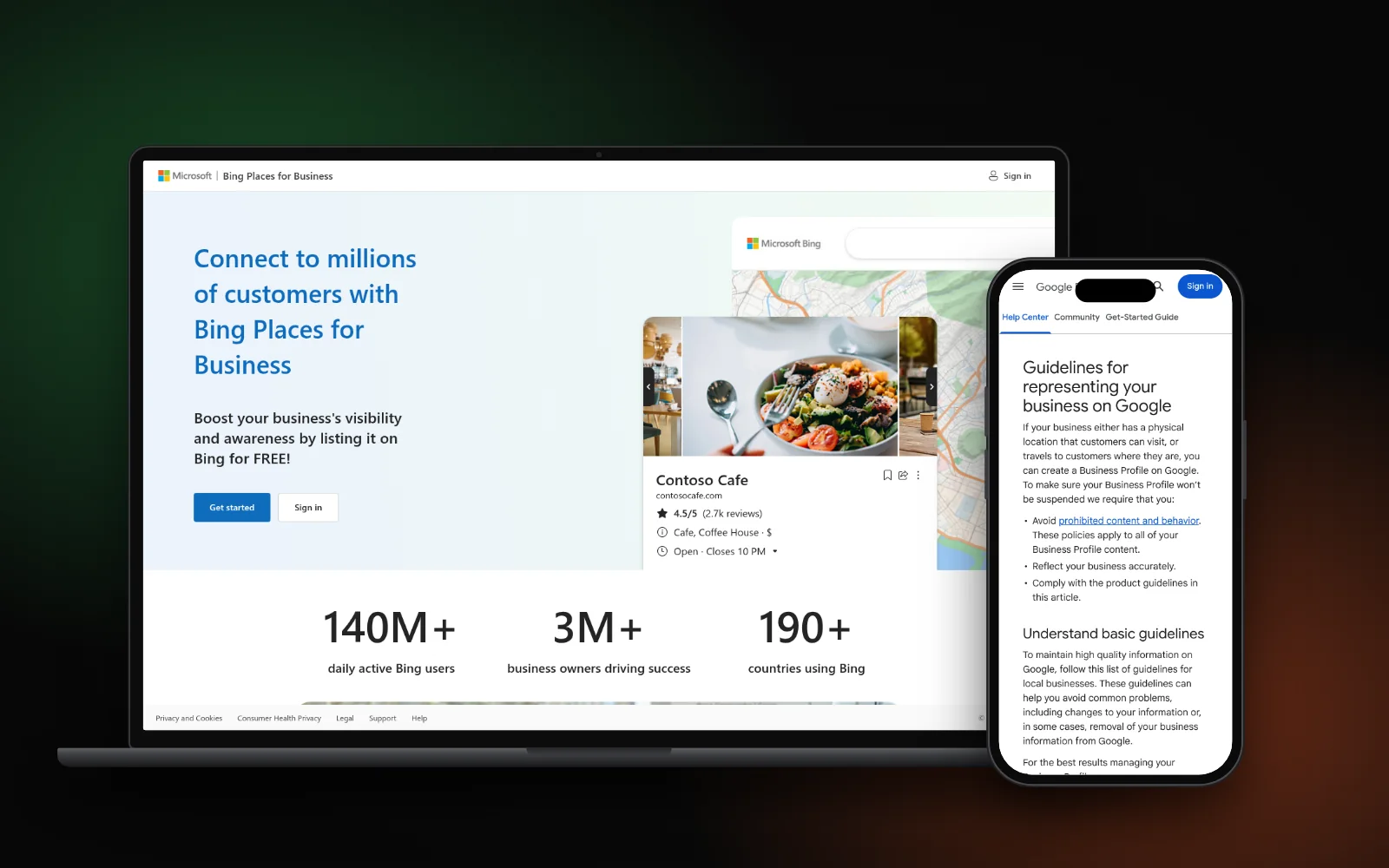
Bing Maps uses “licensed and publicly available location data”, and Bing may also partner with third-party content providers, according to the same search documentation. That is why a listing that disagrees with your website or Google Business Profile can look wrong — or fail to match the way people search.
Walk the same facts in one pass:
- Name, address and phone, written the same way on your website, Google Business Profile and Bing Places
- Hours, website URL and primary category
- Service area, if customers do not visit a storefront
Google’s guidelines for representing your business say your name should match how it is used on your storefront, website and stationery, and that your address or service area must be accurate. Use that same master copy on Bing. Our guide to fixing local citations and NAP errors walks through the spreadsheet audit; the local SEO checklist covers the wider listings pass.
If you imported from Google, open Bing Places and confirm the live fields still match. A stale phone number or a name that does not match your real-world signage will travel with the import.
What to do after you claim or edit
Microsoft’s public support pages do not publish a fixed number of days between claiming a listing and seeing it on Bing Maps or in search. After you claim, verify or edit, use the status shown in Bing Places itself.
Then search Bing — not only the dashboard:
- Your exact business name
- Your name plus the street address
- A customer-style query such as your main service and town
If the dashboard and Bing Maps disagree, or a status sits on pending with no further step offered, go back to the Bing Places portal. That is the channel Microsoft names for listing problems. Do not delete a listing you have already verified just to start over.
If you are also missing from Google Maps, treat that as a separate diagnosis — see why your business isn’t showing on Google Maps.
Check Bing Maps and Copilot
A listing can be claimed and still be hard to find if you only search one way. Check both:
- Bing Maps (and a local-intent search on Bing) for your name and for the service queries buyers use. Microsoft says businesses can improve the accuracy of Bing Maps results by registering with Bing Places and keeping location, contact details and hours up to date.
- Copilot Search in Bing. Microsoft’s April 2025 Copilot Search announcement describes an experience that summarises Bing results and cites its sources. You can open it from bing.com. Microsoft’s search documentation also notes that some answers may be powered by generative AI, and that a business-related query may return hours and location.
Microsoft has not published a separate “submit to Copilot” form for local businesses. The October 2025 Places post said Microsoft is investing in deeper integrations with Bing Maps and Copilot. For now, an accurate claimed listing is how you correct what Bing knows; Copilot Search then reads Bing. For a wider AI pass across ChatGPT, Perplexity and Google, use the AI visibility checklist.
Ask the same buyer questions in a private window and note whether you are named, cited, described wrongly or missing.
What to fix first
- Find and claim the listing at bing.com/forbusiness.
- Finish verification so you can edit it.
- Match name, address, phone, hours, website and category to your website and Google Business Profile.
- Use the dashboard status, then check Bing Maps and Bing search yourself.
- Run the same queries in Copilot Search and log named, cited, wrong or missing.
- Contact Bing Places through the portal if the dashboard and the public results still disagree.
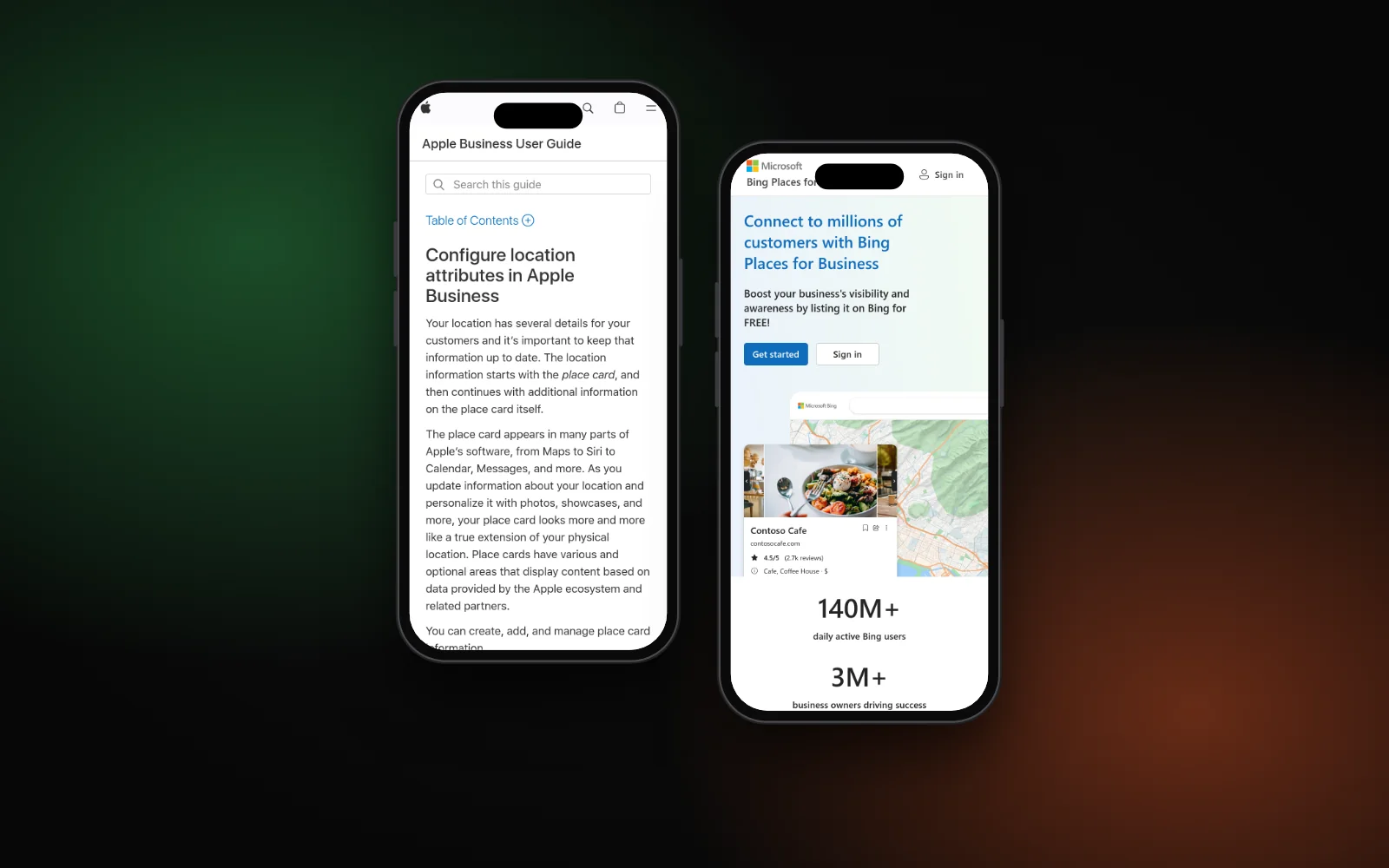
Skip paid “get on Bing” services until this list is done. Bing Places itself is free. Apple Maps is a separate listing; see why your business isn’t showing on Apple Maps.
Need a hand?
Claiming listings and aligning NAP is part of our local SEO service. Or start with the free Search Gap check to see how you show up on Google, Maps and AI answers. We typically reply within 1–2 business days.