


LocalBusiness schema is a small block of code (JSON-LD) that tells Google your business name, address, phone number, hours and location in a format machines can read. Google requires only two properties, name and address, and asks you to use the most specific business type, such as Plumber or Dentist. It won’t rank you on its own, and it doesn’t replace your Google Business Profile.
Last checked against Google Search Central and schema.org: 28 Oct 2026.
What LocalBusiness schema does
Google says structured data is a standard format for giving it explicit clues about what a page means. Its LocalBusiness documentation says this markup can tell Google about your hours, departments and more, and can make your pages eligible for Local Business rich results.
Two limits are worth knowing up front. Google’s general structured data guidelines say correct markup makes a feature possible but “does not guarantee” it will show. And the markup must describe what’s actually on the page, so it can’t fix a thin or inaccurate site.
A copy-paste example for a service business
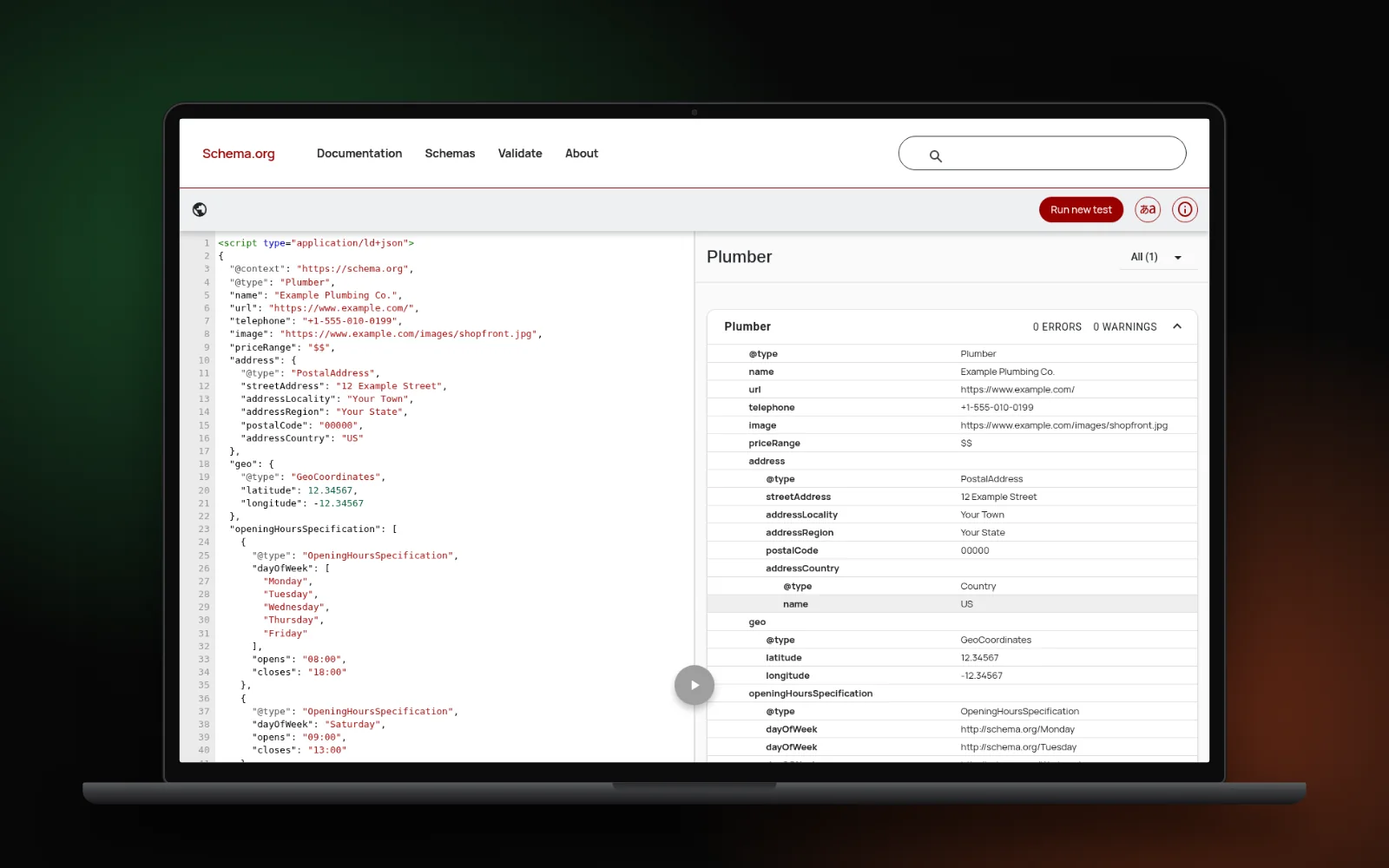
Here is a complete block for a plumber, using Google’s recommended JSON-LD format. Paste it into the page’s HTML, then replace every value with your own details exactly as they appear on that page and on your Business Profile.
<script type="application/ld+json">
{
  "@context": "https://schema.org",
  "@type": "Plumber",
  "name": "Example Plumbing Co.",
  "url": "https://www.example.com/",
  "telephone": "+1-555-010-0199",
  "image": "https://www.example.com/images/shopfront.jpg",
  "priceRange": "$$",
  "address": {
    "@type": "PostalAddress",
    "streetAddress": "12 Example Street",
    "addressLocality": "Your Town",
    "addressRegion": "Your State",
    "postalCode": "00000",
    "addressCountry": "US"
  },
  "geo": {
    "@type": "GeoCoordinates",
    "latitude": 12.34567,
    "longitude": -12.34567
  },
  "openingHoursSpecification": [
    {
      "@type": "OpeningHoursSpecification",
      "dayOfWeek": [
        "Monday",
        "Tuesday",
        "Wednesday",
        "Thursday",
        "Friday"
      ],
      "opens": "08:00",
      "closes": "18:00"
    },
    {
      "@type": "OpeningHoursSpecification",
      "dayOfWeek": "Saturday",
      "opens": "09:00",
      "closes": "13:00"
    }
  ]
}
</script>
The address, phone and coordinates above are placeholders. Swap “Plumber” for your own type from the schema.org LocalBusiness list, such as Electrician, Dentist or HVACBusiness. Google says that if you fit several types, you can list them as an array.
Running a dental practice? Our guide to getting more dental patients from Google shows where Dentist markup fits alongside your profile and reviews.
Required and recommended properties
This table follows Google’s property list for LocalBusiness.
| Property | Google says | What to put |
|---|---|---|
| name | Required | Your business name as it appears on your sign and profile |
| address | Required | A PostalAddress with as many parts as you can fill |
| telephone | Recommended | Your main number, with country and area code |
| url | Recommended | The working URL of that specific location |
| geo | Recommended | Latitude and longitude to at least 5 decimal places |
| openingHoursSpecification | Recommended | Days with opens and closes times |
| priceRange | Recommended | Something short like “$$” (under 100 characters) |
| aggregateRating, review | Only for sites reviewing other businesses | Leave out on your own site |
For hours, Google says to use 00:00 to 23:59 for open all day, and 00:00 for both times for a day you’re closed. Because LocalBusiness is a type of Organization, Google also suggests adding Organization fields such as your logo.
Service-area businesses with no public address
If you visit customers and keep your home address off your website and profile, don’t invent one for the markup. Google’s guidelines say not to mark up content that isn’t visible to readers, and misleading markup can lead to a manual action.
Mark up only what the page really shows, such as your town, region and country in the address. Our post on location page myths explains why you don’t need an address in every town you serve.
Several locations: one block per page
Google says to define each location as its own LocalBusiness, and its url property should be the URL of that specific location. In practice:
- Give each branch its own page with its own address, phone and hours.
- Put that branch’s block on its page, since Google says structured data belongs on the page it describes.
- Keep every block consistent with that branch’s Business Profile.
Skip the star ratings
Adding aggregateRating to show stars for your own business is a common mistake. Google’s review snippet guidelines say that if a business controls the reviews about itself, its pages using LocalBusiness or Organization markup aren’t eligible for star reviews. That includes reviews pulled in through a third-party widget. Show your reviews to visitors, but don’t mark them up.
Adding it in WordPress or any site builder
- Check what’s already there. Many themes and SEO plugins output Organization or LocalBusiness markup. Test your homepage first so you don’t publish two conflicting blocks.
- Use your plugin’s settings if it supports your business type and hours.
- Or paste the block yourself into the page’s head or body with a custom HTML block or header-code field. You don’t need a paid plugin for one location.
Test it before and after publishing
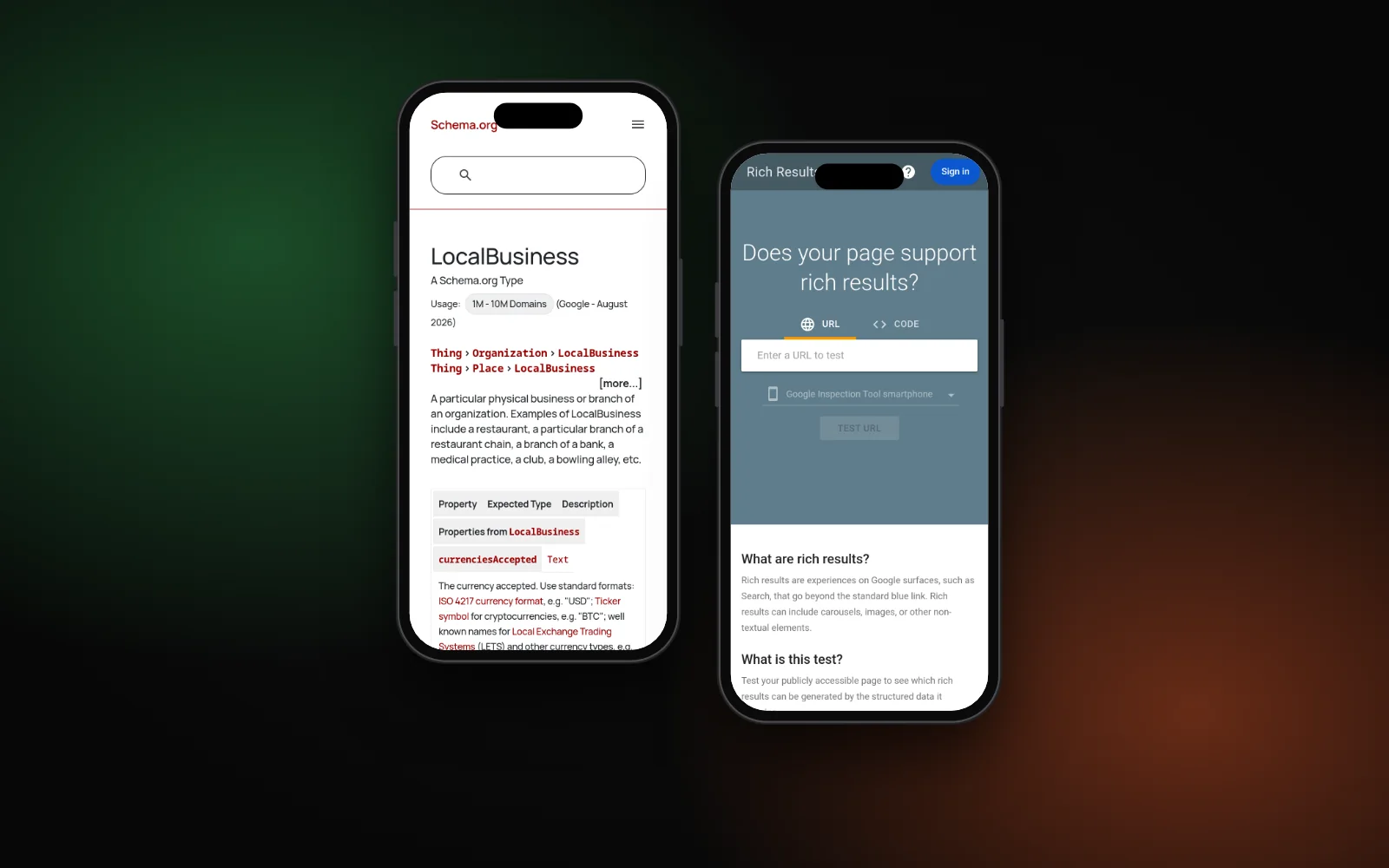
- Paste your code into Google’s Rich Results Test and fix any critical errors.
- Run the same code through the Schema Markup Validator to catch schema.org typos.
- After publishing, Google suggests using Search Console’s URL Inspection tool to see how Google reads the live page.
Schema is one item on a bigger list. Our local SEO checklist shows where it fits, and if AI assistants are getting your details wrong, see why your business isn’t showing in ChatGPT.
When to get help
If your plugin, theme and hand-added code are all fighting each other, our technical SEO service can audit your structured data and clean it up. Or start with the free Search Gap check to see how your business shows up on Google and Maps. We typically reply within 1–2 business days.