


Most small-business websites are slow on mobile for the same seven reasons: a heavy hero image, page-builder and plugin JavaScript, third-party scripts, web fonts, slow hosting, redirect chains and missing caching. A phone has a slower processor and a slower connection than the laptop the site was built on, so each of those costs more there. Test the page properly first, then work down the list below.
Test it properly before you fix anything
Run your homepage and your busiest service page through PageSpeed Insights on the Mobile tab. It shows two different things:
- Real visitors (top section). Chrome field data from people who actually used your page over the previous 28 days. This is the part that matters.
- Lab test (the score). A Lighthouse run that emulates a mid-tier phone on a throttled “Slow 4G” connection with a 4x CPU slowdown. Use it to find causes. A score of 90 or above counts as good, but you don’t need 100.
Google’s Core Web Vitals targets, measured at the 75th percentile of visits:
- LCP (main content appears): within 2.5 seconds
- INP (page responds to a tap): 200 milliseconds or less
- CLS (layout stays still): 0.1 or less
Small sites often show “no data” for real visitors. Then use the lab test, and check the Core Web Vitals report in Search Console, which groups similar pages using actual user data once there is enough of it.
7 reasons your website is slow on mobile
1. A heavy hero image
The big photo at the top is often the LCP element. Check: PageSpeed Insights names the LCP element. Fix: resize it to the size it’s shown, save it as WebP or AVIF, and never lazy-load it. Google’s web.dev guide says lazy-loading the LCP image will always lead to unnecessary resource load delay. Adding fetchpriority="high" tells the browser to fetch it first.
2. Page-builder and plugin JavaScript
Sliders, animations and “all-in-one” plugins ship code that phones must download, parse and run. Large scripts create long tasks that delay taps, which hurts INP. Check: the “Reduce unused JavaScript” item, which Lighthouse flags for any file with more than 20 KiB of unused code. Fix: delete plugins and widgets you don’t use, swap sliders for one static image, and turn off builder features you never switched on. If you’re still picking a platform, see whether Wix or WordPress is better for SEO.
3. Third-party scripts
Chat widgets, review badges, booking embeds, maps and tracking tags all load code from someone else’s server. Google’s web.dev team puts it plainly: if your own code is optimised and the site is still slow, “it's probably the fault of third-party scripts”. Fix: remove any script that adds no clear value, load the rest with async or defer, and add loading="lazy" to maps and YouTube embeds further down the page.
Booking embeds matter most where patients book online, such as at a dental practice. Our guide to getting more dental patients from Google covers the rest of that path.
4. Web fonts
By default, Chrome and Firefox block text rendering for up to 3 seconds while a web font loads. On a slow connection, visitors stare at a blank space. Fix: use one or two font families and only the weights you need, serve WOFF2, and set font-display: swap so text shows straight away in a fallback font.
5. Slow or overloaded hosting
If the server takes a long time to send the first byte, nothing else can start. Google’s TTFB guide says hosting should be the first thing you consider and that shared hosting is generally slower. PageSpeed Insights rates TTFB as good up to 800 ms. Fix: turn on your host’s page caching, keep PHP or your platform up to date, and move to a better plan if TTFB stays high.
6. Redirect chains
A link to http:// that goes to https://, then to www, then adds a trailing slash makes the phone wait for every hop. Lighthouse says redirects slow down your page load speed. Fix: link to the final URL everywhere (menus, Google Business Profile, ads, email signatures), collapse chains into one hop, and turn on HSTS so browsers go straight to HTTPS.
7. No caching or CDN
Without cache headers, returning visitors download the same files again. Leaving out Cache-Control means browsers guess how long to keep files. A CDN stores copies on edge servers physically closer to visitors. Fix: set long cache times for images, CSS and JS, and switch on the CDN your host or platform includes.
Which fix to try first
Start with the metric that fails in the real-visitor section, then the causes that usually drive it:
| Failing metric | What visitors notice | Start with |
|---|---|---|
| LCP over 2.5 s | A blank or half-built page | Hero image (1), hosting (5), redirects (6), caching (7) |
| INP over 200 ms | Taps and menus feel stuck | Builder JavaScript (2), third-party scripts (3) |
| CLS over 0.1 | Text and buttons jump | Fonts (4), images without set sizes, late-loading widgets (3) |
Change one thing at a time and re-test. Field data trails by up to 28 days, so give real-visitor numbers a few weeks to move.
Does mobile speed affect Google rankings?
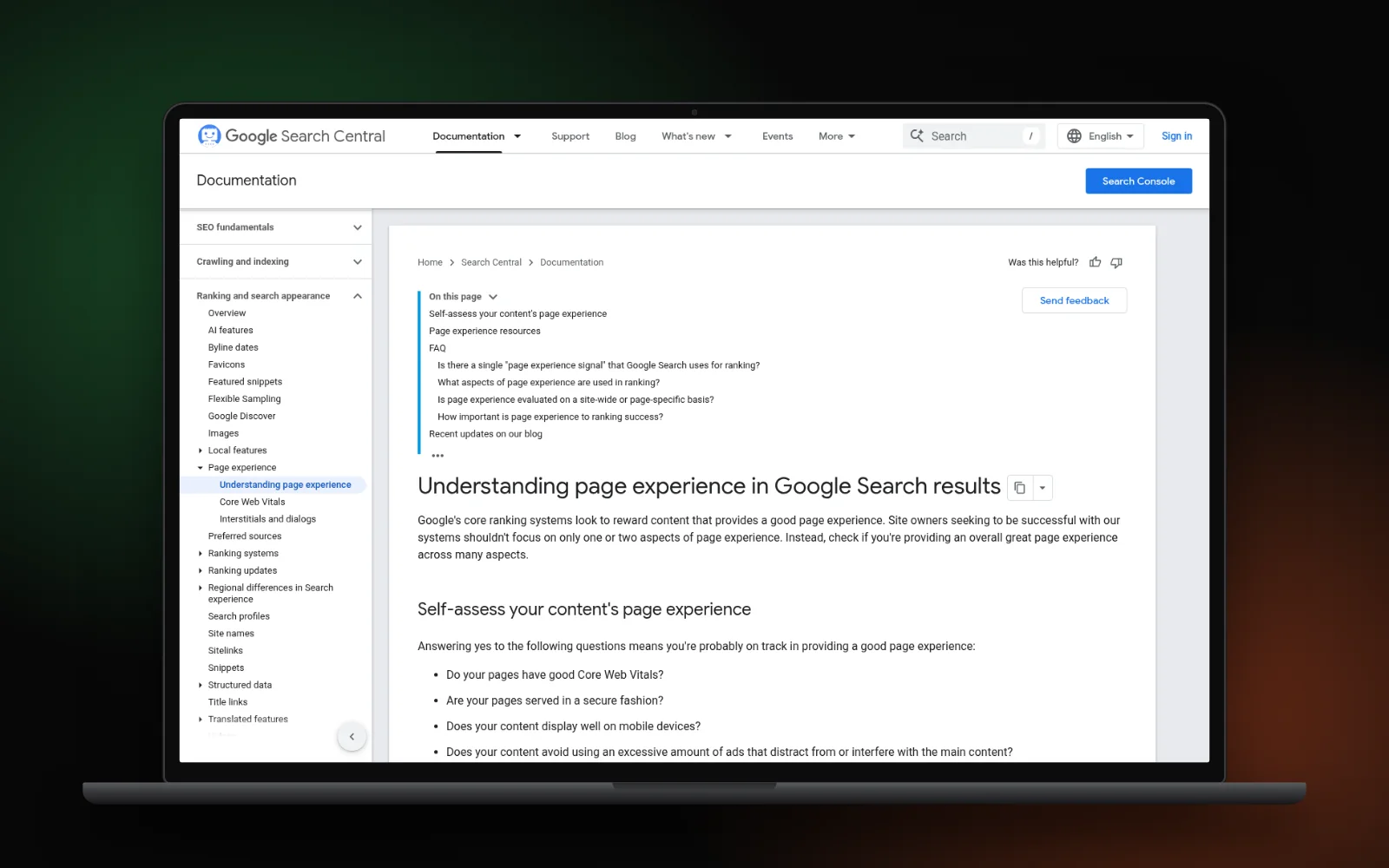
Yes, but it isn’t everything. Google uses the mobile version of a site for indexing and ranking, and says good Core Web Vitals align with what its core ranking systems seek to reward. It also says Search always seeks to show the most relevant content, even when page experience is weak. So a fast page with thin content won’t win, and a slow page loses ground when competitors are equally helpful. If pages aren’t in Google at all, speed is rarely the cause; see why Google crawled your page but won’t index it.
Next steps
- Test your two most important pages on mobile and note which metric fails.
- Fix the matching causes above, one at a time.
- Re-test the lab score now, and check real-visitor data again in a few weeks.
To see how speed fits alongside your Google, Maps and AI search visibility, run the free Search Gap check. If you’d rather hand it over, our technical SEO and site speed service tests on a throttled phone and fixes what slows real visitors down.