


You do not need a paid AI-visibility tool to see if ChatGPT, Perplexity or Google AI features can find your business. Check that AI crawlers can reach your site, that your facts match everywhere, that key pages answer buyer questions in plain text with matching structured data, then ask the same customer questions in private chat windows and note whether you are named.
Last checked against Google Search Central, OpenAI crawler docs, Perplexity bot guides and Cloudflare AI-bot docs: 7 Nov 2026.
Can AI systems reach your site?
If a crawler cannot fetch your pages, no amount of content will put you in AI answers. Start with robots.txt and your CDN or WAF.
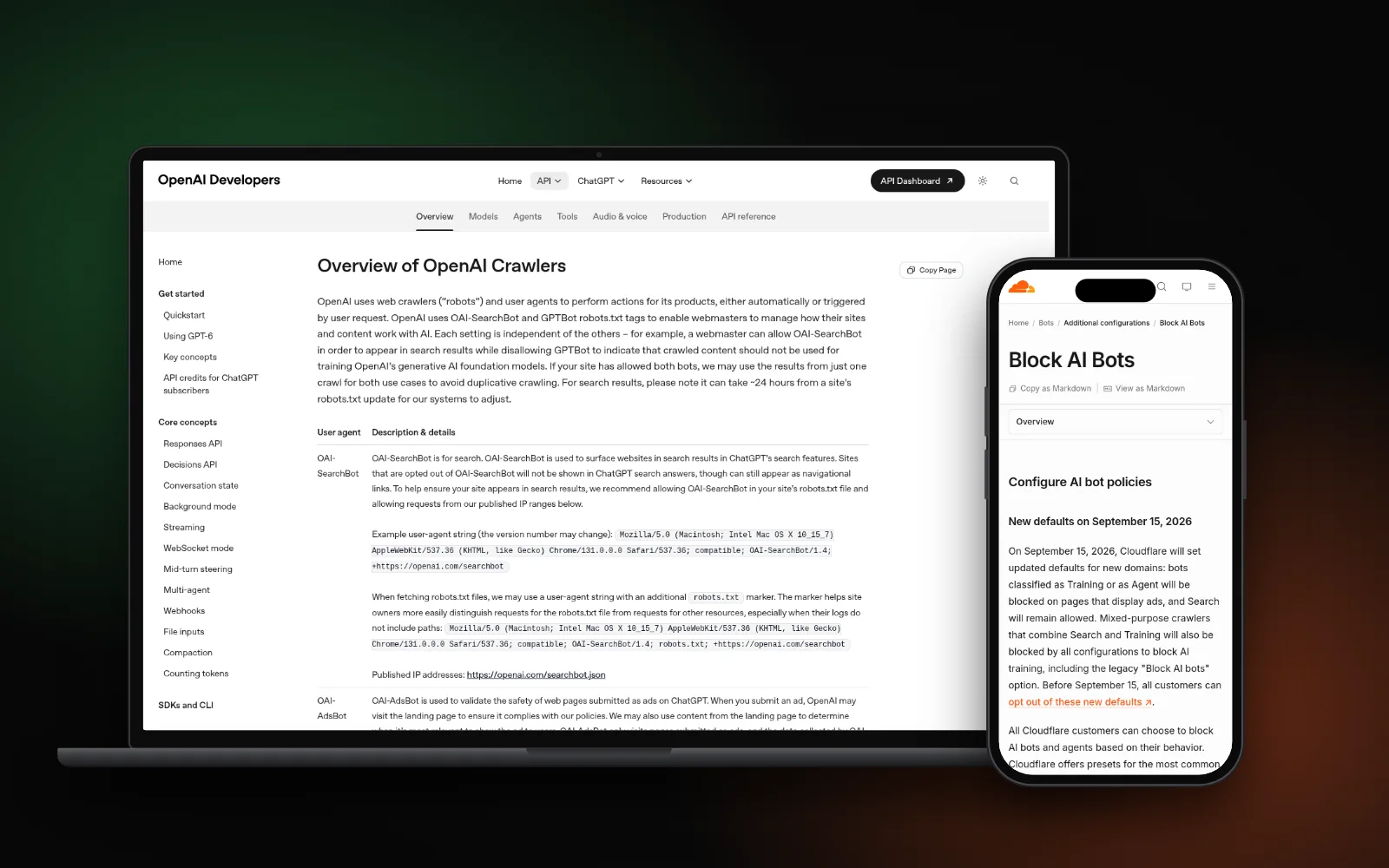
- Googlebot — Google’s AI features guidance says content must be crawlable and indexable; blocking Googlebot (or over-blocking at the CDN) keeps pages out of AI Overviews and AI Mode as well as classic results.
- OAI-SearchBot — OpenAI’s crawler documentation explains that OAI-SearchBot powers ChatGPT search answers. Blocking it can remove your site from those answers (OpenAI notes changes can take about 24 hours to take effect). GPTBot is separate and is used for training, not search.
- PerplexityBot — Perplexity’s bots guide asks publishers to allow PerplexityBot in robots.txt and at published IPs, and to watch WAF rules that quietly drop it.
Cloudflare and similar CDNs can “block AI bots” with a toggle. Review those rules against the bots you want for search, using Cloudflare’s own AI bots configuration notes. Then open a few money pages in a plain browser (or curl) and confirm they return HTML text with a 200 — not an empty JavaScript shell or a challenge page meant for humans only.
Do your facts match everywhere?
AI systems and local packs pull name, address, phone, hours and services from more than one place. If your Google Business Profile says one thing and your website another, answers get fuzzy or wrong.
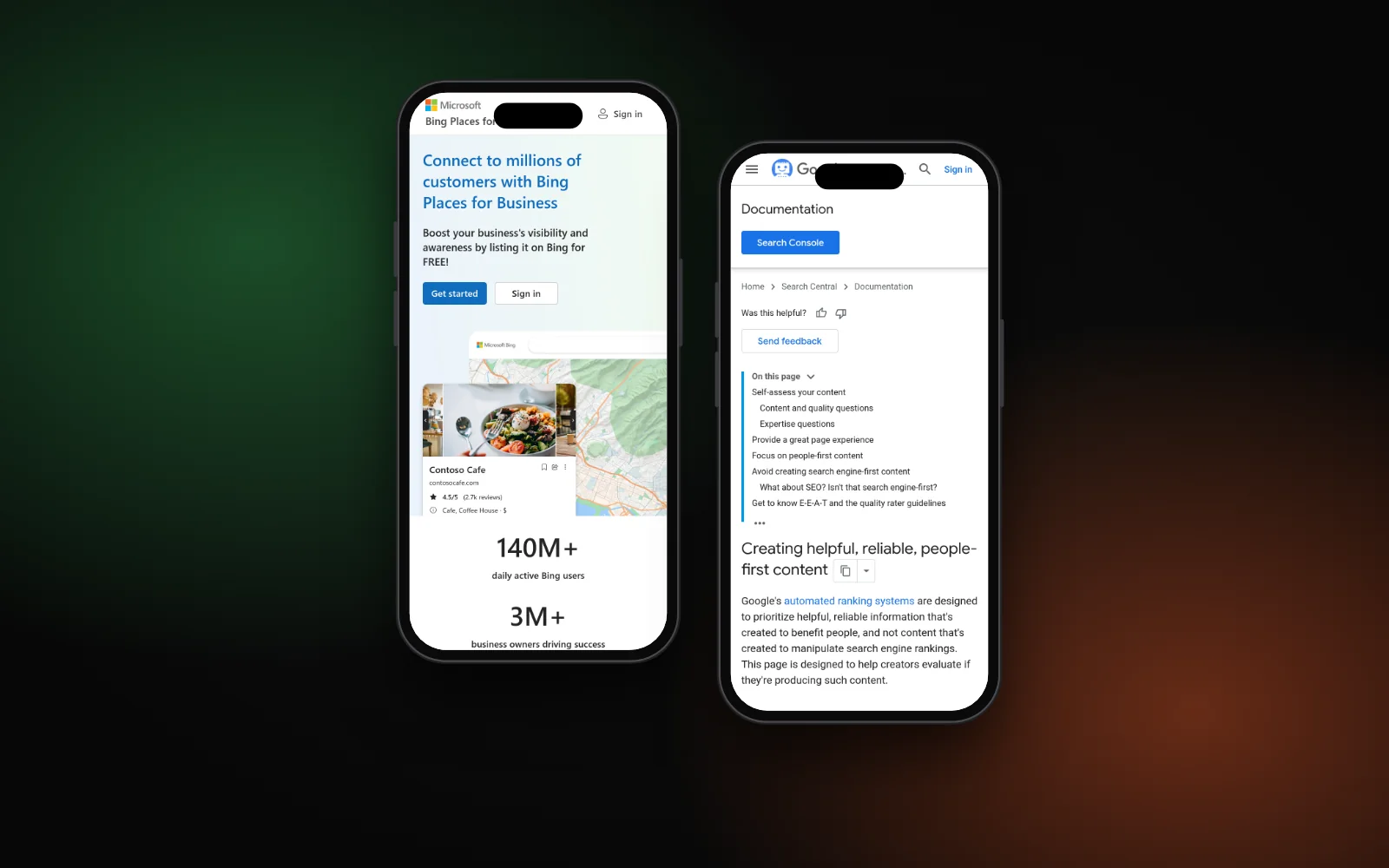
Walk the same checklist you would for local SEO: Google Business Profile, your website contact and service pages, Bing Places, and the main directories that list you. Align NAP, services and hours. Our local SEO checklist covers the NAP pass in detail. GBP also matters for ChatGPT-style answers that lean on business data — see whether ChatGPT uses Google Business Profile.
Do key pages answer first?
Google’s guide to optimizing for generative AI features is clear: you do not need special AI markup for Google. You do need useful, people-first pages that answer the query in plain text, with important content in the HTML (not locked behind images or empty shells).
On service and location pages, put the direct answer in the first sentences under a clear heading. Cover specifics a buyer would ask — service area, what is included, how booking works — rather than commodity blurbs every competitor could copy. That same habit helps Perplexity and ChatGPT when they quote or paraphrase your page. If you are missing from ChatGPT entirely after crawl access is fine, dig into why your business isn’t showing in ChatGPT; for Perplexity-specific ranking moves, see how to rank in Perplexity as a local business.
Schema and proof
Structured data is not a separate “AI SEO” requirement. Google’s AI-features docs say schema that matches the visible text can help rich results; it does not unlock a special AI ranking path. Keep LocalBusiness / Organization (and FAQ only when the questions are truly on the page) aligned with what people see. Our guide to local business schema walks through a clean setup.
Proof still helps humans and machines: specific services, real reviews, and third-party mentions that match your brand name. Do not invent testimonials or stats for this audit — log what is already public and accurate.
Test ChatGPT, Perplexity and Google
After access and facts look sound, run the same buyer prompts yourself:
- Open private / incognito windows for ChatGPT (with search if available), Perplexity and Google (watch for an AI Overview).
- Ask 8–15 real customer questions — “plumber near [area] for [job]”, “best [service] in [city]”, your brand name plus a service — the way a buyer would.
- Note for each: named, cited with a link, mentioned wrongly, or missing.
- In Google Search Console, check the Generative AI / AI features performance views described in Google’s AI optimization guide when they appear for your property.
Retest after you change robots, CDN or key pages. OpenAI’s docs note roughly a day for SearchBot allow/block changes to settle; content and citation shifts often take longer.
What to fix first
- Crawl access — robots.txt and CDN/WAF for Googlebot, OAI-SearchBot and PerplexityBot.
- Matching facts — GBP, site, Bing Places and directories.
- Answer-first pages — plain-text answers on money pages, not empty shells.
- Accurate schema — only markup that matches visible content.
- Prompt retest — same questions in private windows; log named / cited / wrong / missing.
Skip paid “AI visibility” dashboards until this checklist is done. An optional llms.txt file is not required for Google (see whether your site needs llms.txt); fix crawl and content first.
Need a hand?
If you want someone else to run the crawl, facts and prompt checks, our AI search optimization service covers that work. Or start with the free Search Gap check to see how you show up on Google, Maps and AI answers. We typically reply within 1–2 business days.