


For most small business websites, no: an llms.txt file won’t get you more traffic from Google or more mentions in AI answers. Google says its Search ignores the file, and no AI search tool lists it as a requirement. Spend the time on robots.txt, clear page text and an accurate Business Profile instead.
Last checked against Google Search Central, OpenAI’s crawler docs, Chrome’s Lighthouse docs and the llms.txt proposal: 3 Nov 2026.
What llms.txt is
llms.txt is a plain Markdown file at /llms.txt that summarises a site and links to its key pages for AI tools. The llmstxt.org proposal, written by Jeremy Howard in 2024, describes itself as “a proposal to standardise on using an /llms.txt file to provide information to help agents use a website.”
Three things to know:
- It’s a proposal, not a standard. Unlike robots.txt, which has an IETF standard (RFC 9309), it hasn’t been through a standards body.
- It started with developer docs. The proposal says the file is used most heavily for software documentation, where coding agents follow it.
- It isn’t a crawl rule. The proposal itself says robots.txt and llms.txt have different purposes. llms.txt can’t block or allow anything.
A minimal file looks like this. Only the first heading is required:
# Example Plumbing Co.

> Emergency and planned plumbing for homes in one city.

## Key pages
- [Services](https://example.com/services): what we fix and prices
- [Contact](https://example.com/contact): phone, hours, service area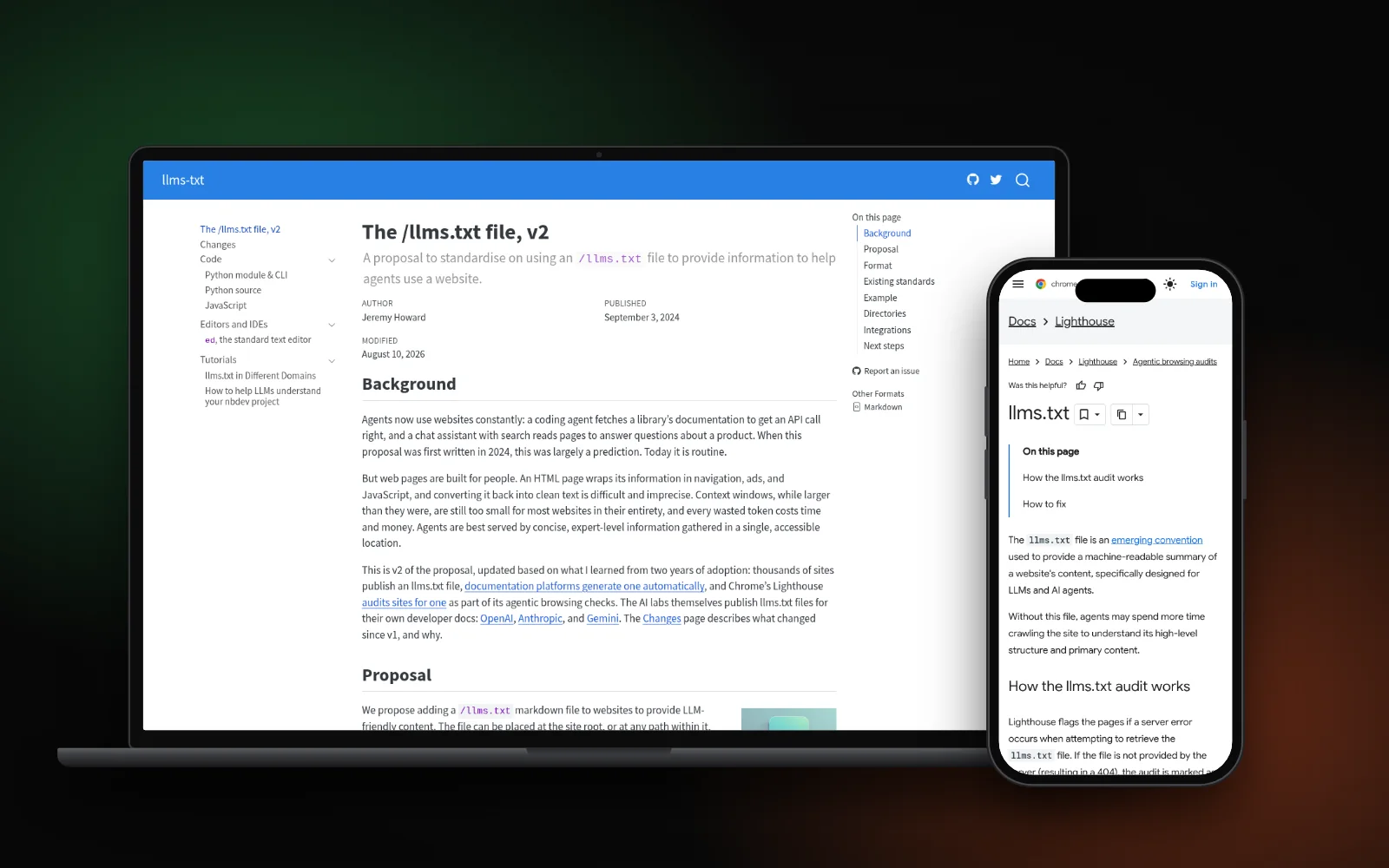
What Google says
Google answers this directly. In its guide to optimizing for generative AI features, under “what you don’t need to do”, it says:
- “You don’t need to create new machine readable files, AI text files, markup, or Markdown to appear in Google Search (including its generative AI capabilities), as Google Search itself doesn’t use them.”
- Creating llms.txt for other services is “completely fine”, but it “will neither harm nor help your site’s visibility or rankings in Google Search, as Google Search ignores them.”
Its page on AI features and your website adds that there are “no additional requirements to appear in AI Overviews or AI Mode”, and no special schema.org markup is needed either. The same SEO basics apply.
What AI search tools actually check
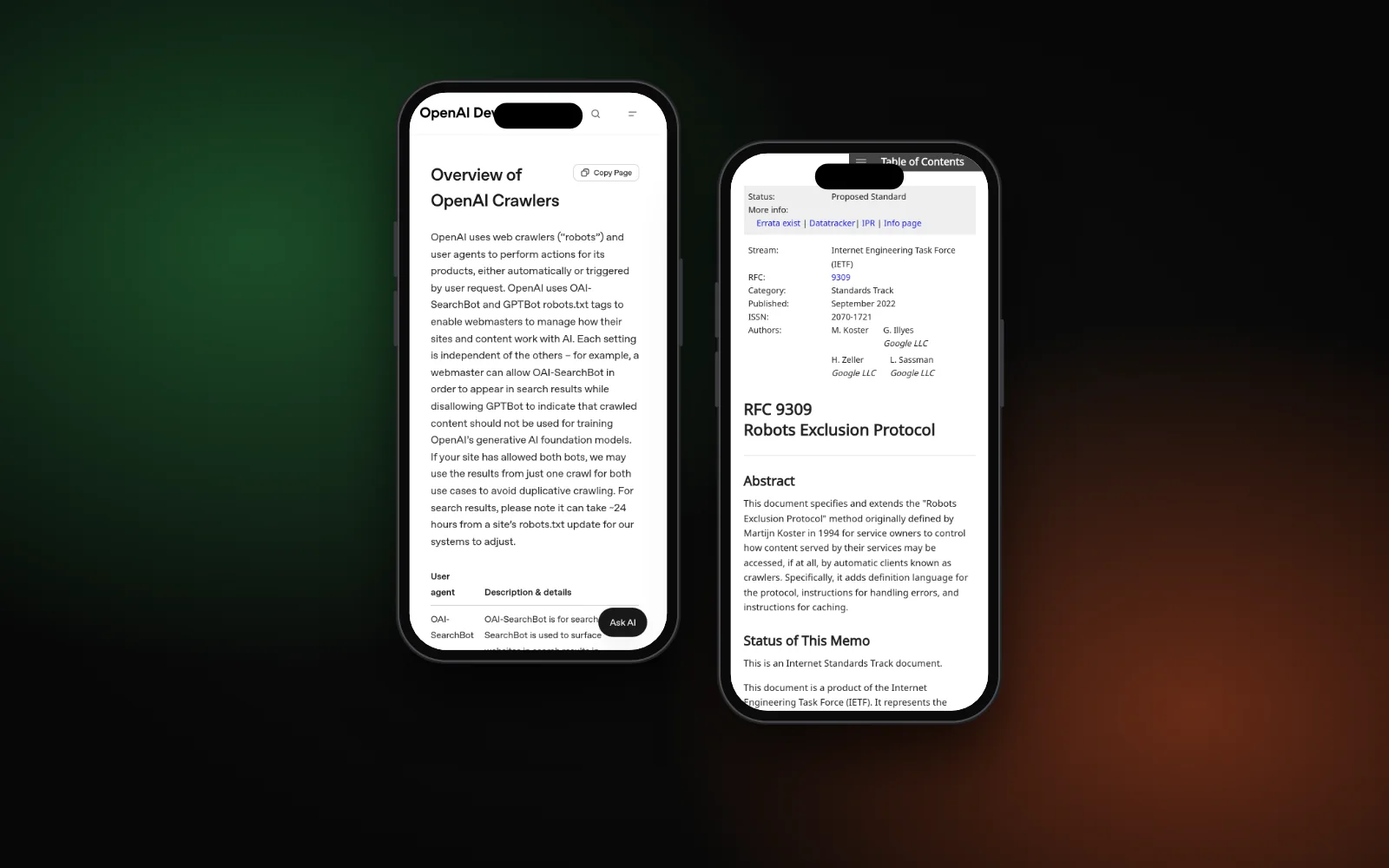
ChatGPT search is a good example. OpenAI’s crawler documentation says OAI-SearchBot is what surfaces websites in ChatGPT search, and sites that opt it out “will not be shown in ChatGPT search answers”. What it asks for is access, not a summary file:
- Allow OAI-SearchBot in robots.txt. OpenAI says changes can take about 24 hours to apply.
- Don’t block it at the firewall or CDN. OpenAI publishes its IP ranges so you can allow them.
- Treat GPTBot separately. GPTBot is for model training. Blocking it doesn’t remove you from ChatGPT search.
Those rules live in robots.txt, which follows RFC 9309, the Robots Exclusion Protocol. The RFC notes the rules “are not a form of access authorization”: well-behaved crawlers follow them, but they don’t lock anything. If ChatGPT never mentions you, start with our checklist on why your business isn’t showing in ChatGPT. For Perplexity, see how to rank in Perplexity as a local business.
What Chrome’s Lighthouse checks
Lighthouse now has an experimental Agentic Browsing category with an llms.txt audit. It calls the file “an emerging convention” and says without it, agents may spend more time crawling a site. But if your site returns a 404 for /llms.txt, the audit is marked Not Applicable, “as providing the file is optional at the moment”. It only flags a server error. So a missing file isn’t a failure.
When adding one is reasonable
There are cases where it’s worth ten minutes:
- Your platform makes it for you. Wix generates and maintains an llms.txt file for eligible sites. Check it’s accurate, since it describes your business to agents.
- You run docs, a SaaS product or an online booking flow that AI agents might use on a customer’s behalf.
- You want a tidy list of key pages and you’ll keep it up to date. A stale file listing old prices or services is worse than none.
If none of that fits, skip it. For transparency: thesearchlift.com now publishes a short llms.txt as a low-cost extra, and we don’t add one for clients by default.
What to do instead
These steps help in Google, AI Overviews and ChatGPT search alike:
- Open your robots.txt at
yourdomain.com/robots.txt. Make sure it doesn’t block Googlebot or OAI-SearchBot. - Check your CDN or security plugin. Google’s AI features page asks you to make sure crawling is allowed “by any CDN or hosting infrastructure”, not just robots.txt.
- Put key facts in page text. Services, service area, prices and hours should be readable text, not only inside images.
- Link your pages together so crawlers can find every service page.
- Keep your Google Business Profile current. Google lists up-to-date Business Profile details among the best practices for its AI features.
- Add structured data that matches the page. It isn’t required for AI features, but it helps search engines read your details. See our guide to local business schema.
If a page still isn’t in Google at all, the problem is indexing. Read why Google crawled your page but won’t index it. And if pages are indexed but get few clicks, clearer titles help; see how long a meta description should be.
Once crawler access is settled, run a full AI visibility checklist to test whether ChatGPT, Perplexity and Google AI features can actually find and name your business.
Need a hand?
Checking crawler access, robots.txt and CDN settings is part of our AI search optimization service. To see where you show up on Google, Maps and AI answers, run the free Search Gap check. We typically reply within 1–2 business days.