


Most rankings lost in a website redesign come from changed URLs without redirects, content that never made it onto the new site, and leftover noindex or robots blocks from staging. Keep URLs where you can, set a permanent server-side redirect for every URL that must change, carry over the titles and content that already rank, then watch Search Console for a few weeks. Google says 301 and other permanent redirects don’t cause a loss in PageRank.
Last checked against Google Search Central site-move and redirects docs: 5 Nov 2026.
Why redesigns lose rankings
A redesign often mixes a new look with new URLs, a new CMS and a new host. Google’s site moves guide says to change only one thing at a time when you can: move the domain, then change the layout, not everything in one cutover. Temporary ranking fluctuation is normal while Google recrawls; for a small or medium site Google says it can take a few weeks or more for new URLs to replace the old ones in results.
The failures that stick are mechanical:
- Old URLs that 404 instead of permanently redirecting
- Many old URLs dumped onto the homepage (Google may treat that as a soft 404)
- Staging
noindexor a blocking robots.txt left on the live site - Pages, PDFs or images that ranked but were never moved
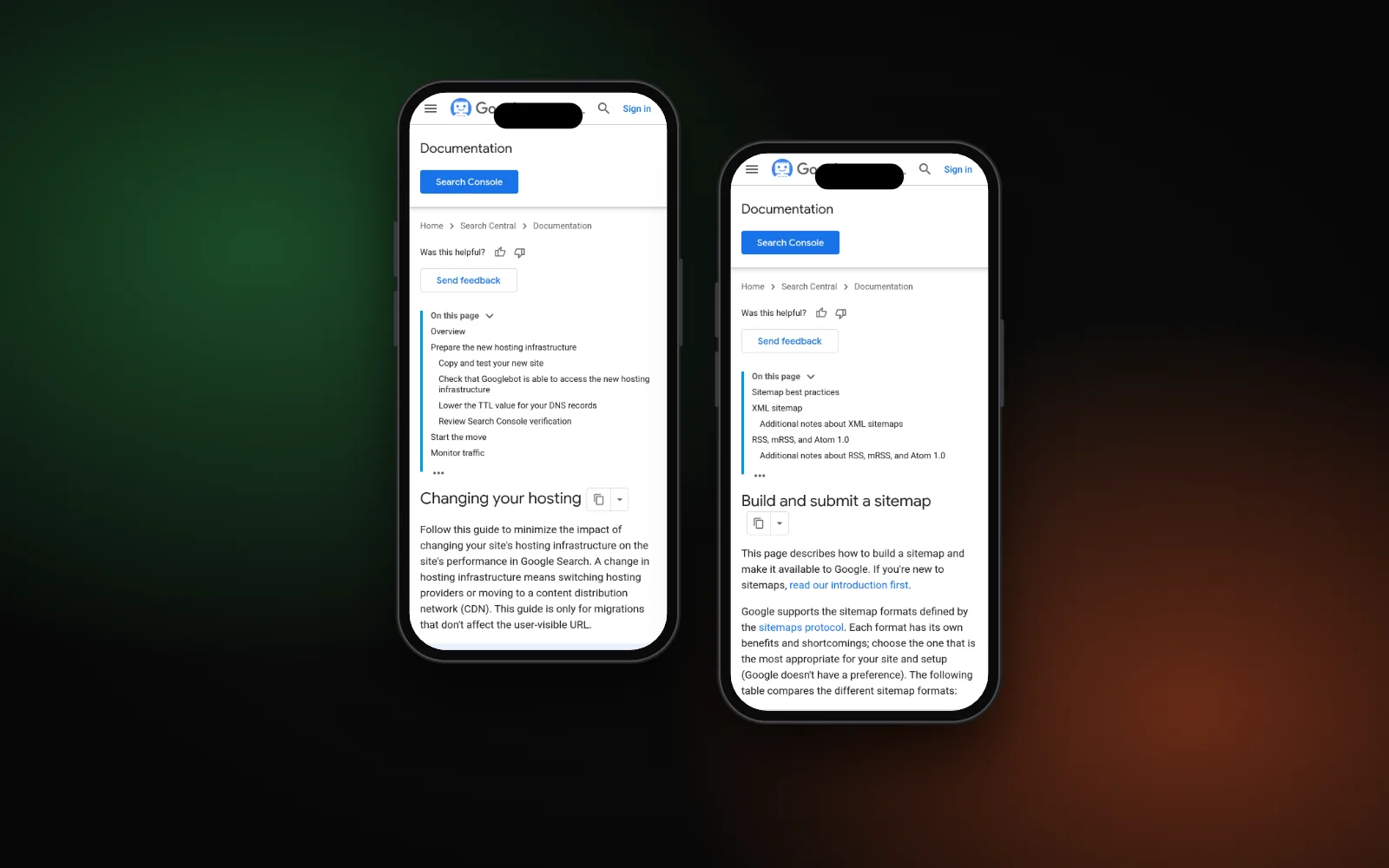
If you’re only switching hosts and the public URLs stay the same, follow Google’s hosting change guide instead of a full URL migration: copy and test the site, remove crawl blocks, then update DNS and monitor both hosts. Platform choice still matters for day-to-day SEO work; see Wix vs WordPress for SEO if that decision is part of the redesign.
Expect temporary dips. Google says any significant site change can move rankings while it recrawls and reindexes. The goal is not “zero movement on day one”; it is no lasting loss from missing redirects or missing pages.
Before launch
- Export every live URL. Pull your sitemap, CMS URL list and Search Console top pages (Performance report, pages with clicks or impressions). Include images, PDFs and other files that get search traffic.
- Decide what keeps its URL. The safest redesign keeps paths stable. Only rename a URL when the new structure truly needs it.
- Build a redirect map. Old URL → closest matching new URL, one to one. Merged pages can share a single destination; do not send unrelated URLs to the home page.
- Carry ranking signals over. Copy titles, meta descriptions, headings, body content that already works, and local business schema that matches the visible NAP. Keep writing useful meta descriptions and solid service pages on the new templates.
- Stage safely. Use
noindexor auth on staging, and keep a list of every block you must remove on launch day. Confirm the new site is fast on a phone; a redesign that tanks mobile speed undoes the content work — see website slow on mobile.
Launch day
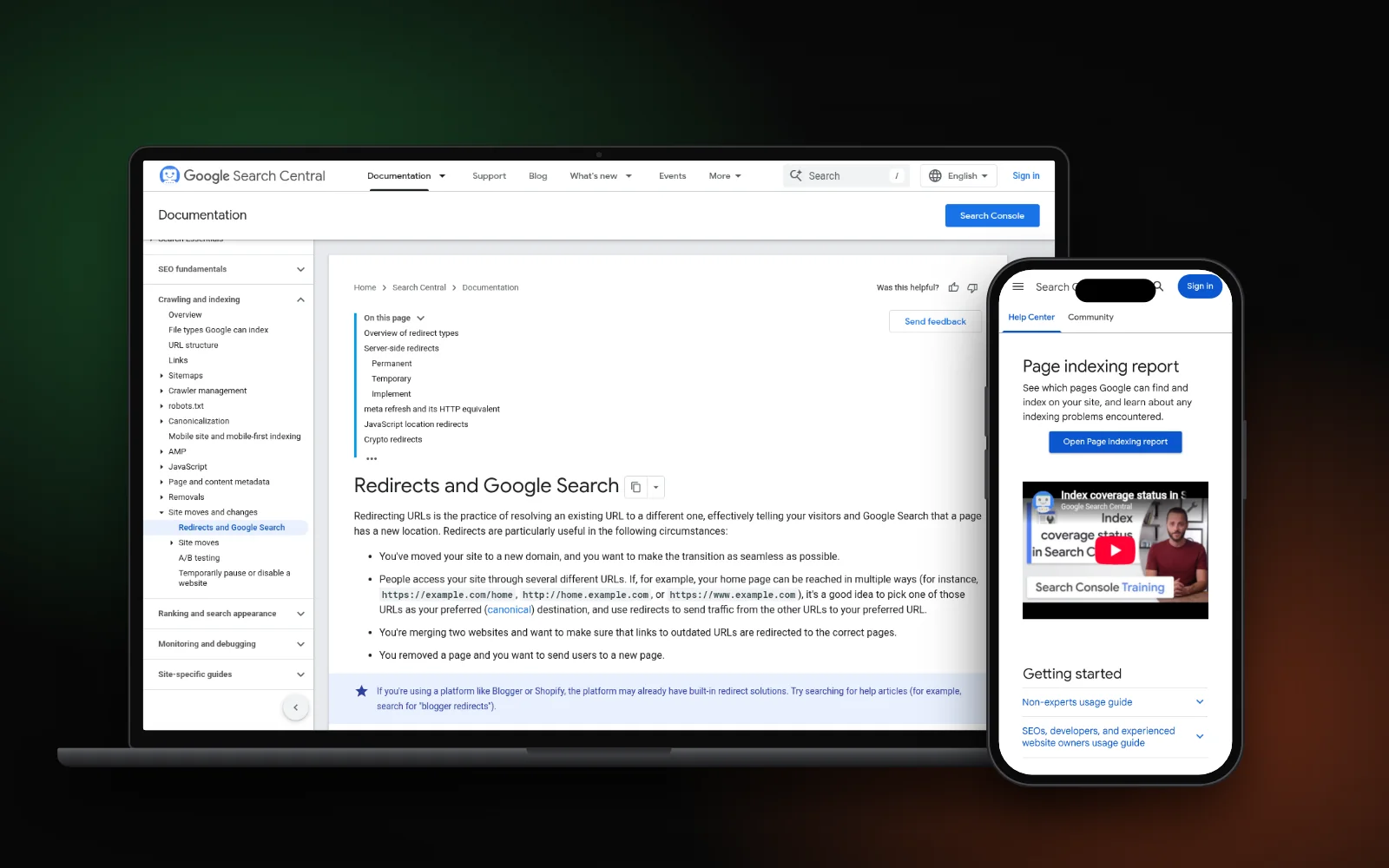
- Turn on permanent server-side redirects (
301or308). Google’s redirects documentation prefers these over temporary or JavaScript-only redirects when the move is permanent. - Avoid long chains. Googlebot can follow up to 10 hops; Google advises redirecting straight to the final URL and keeping chains ideally to no more than 3.
- Remove staging blocks. Clear leftover
noindextags and open the live robots.txt. Google lists forgotten blocks as a common site-move mistake. - Update internal links so they point at the new URLs directly, not through redirects.
- Submit an updated sitemap in Search Console with the new URLs. Google’s build and submit a sitemap guide covers formats and submission. For a domain change, also use Change of Address; path-only redesigns on the same domain don’t need it.
- Spot-check redirects with the URL Inspection tool or a crawl of your map. Broken targets show up fast as spikes in “Not found”.
After launch
Give Google time. Watch the Page indexing report for rises in 404s, soft 404s or excluded pages. Compare clicks and impressions on old vs new URLs in the Performance report. Fix any URL that still 404s or lands on the wrong page. Google’s site-moves guide also points you at server logs and analytics so you can see traffic leave the old URLs and land on the new ones.
Keep redirects in place for at least a year; Google says that window lets signals transfer, including links that still point at old URLs. From a user’s point of view it suggests considering keeping redirects longer, while you update your own links and the highest-traffic inbound links to the new addresses. If important pages sit in “Crawled – currently not indexed,” work through crawled currently not indexed after the redirect map is clean.
Hand this checklist to your designer or developer before cutover. Redirects and content parity are SEO work; the new theme alone is not.
Need a hand?
Migrations, redirects and indexing checks are part of our technical SEO service. To see where you stand on Google, Maps and AI answers after a redesign, run the free Search Gap check. We typically reply within 1–2 business days.