


Google does not set a character limit for title tags: its documentation says “there’s no limit on how long a <title> element can be”, but the title link is cut off in results “as needed, typically to fit the device width”. So write a short, specific title with the most important words first, keep it to about 50–60 characters as a working habit, and check what Google actually shows.
Last checked against Google Search Central’s title link documentation and SEO Starter Guide, MDN and Search Console Help: 9 Nov 2026.
What Google actually says
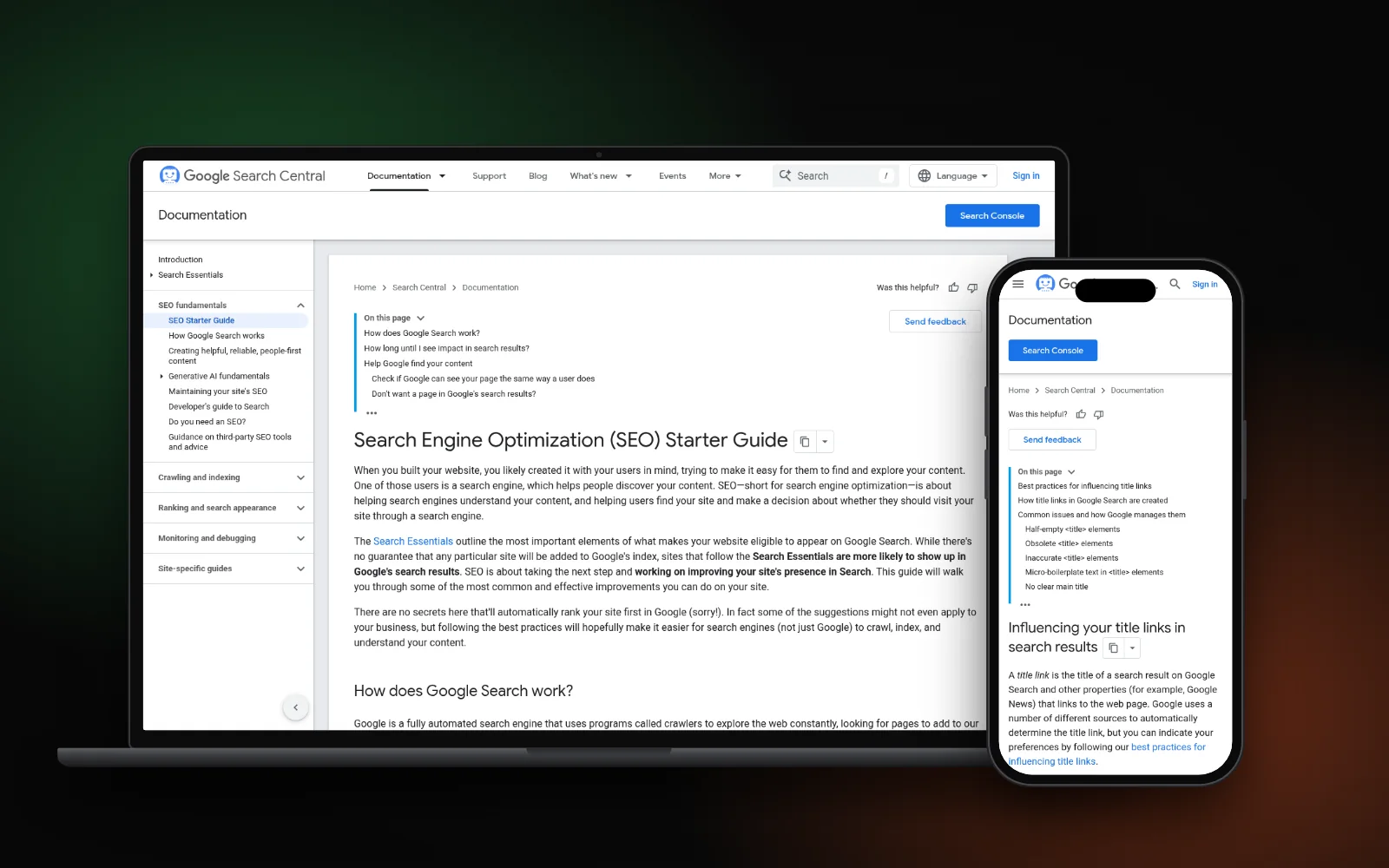
Google’s title link documentation is the page to trust here. It gives rules about quality, not a number:
- Every page needs a title. “Make sure every page on your site has a title specified in the <title> element.”
- Descriptive and concise. Avoid vague labels like “Home” or “Profile”, and avoid “unnecessarily long or verbose text”.
- No hard limit, but truncation. The element can be any length; the title link shown in results is truncated to fit the screen.
- No keyword stuffing. A title like “Foobar, foo bar, foobars, foo bars” “doesn’t help the user” and can look spammy.
- No boilerplate. Each page should have distinct title text, not the same long phrase with one word changed.
- Brand concisely. Put your site name at the start or end, separated by a hyphen, colon or pipe.
Google’s SEO Starter Guide sums it up the same way: a good title is “unique to the page, clear and concise, and accurately describes the contents of the page”. It can include your business name and, where it matters, your location.
Characters, pixels and truncation
Because Google cuts titles to fit the device width, the real limit is screen space, not a character count. Letters have different widths: a title full of capital W’s fills the line sooner than one full of i’s and l’s. That is why two titles with the same character count can be cut at different points, and why any “maximum” you read online is an estimate.
Two more things change what people see:
- Google may not use your title at all. The documentation lists other sources it can draw on, including the main visible title, headings,
og:title, prominent text, anchor text and links pointing to the page. If your title is half-empty, outdated, inaccurate or repeated across pages, Google may build a different title link. - The site name can be dropped. Google says it may omit the site name from the title link if it repeats the site name already shown in the result.
A practical target (our house style)
MDN’s reference for the <title> element says search engines “typically display about the first 55–60 characters of a page title”. At Search Lift we aim for roughly 50–60 characters and stay under about 60. That is our working habit, not a Google rule. What matters more than the count:
- Front-load the topic. Put the service or answer in the first few words, so a cut-off title still makes sense.
- Match the page. The title should describe what is on that page, and agree with the main heading.
- One page, one title. No two pages should share a title.
- Keep the brand short. A short brand at the end, after a pipe or hyphen, is enough. On the home page you can say a little more.
- Use the words customers type. Say “AC repair”, not “climate comfort solutions”.
A made-up example to show the method, not a real client or result:
- Before: “Home | Best AC Repair, AC Service, Cheap AC Repair, AC Installation, AC Maintenance Experts” — vague, stuffed and long.
- After: “AC Repair and Gas Refill in Pakistan | Example Cooling” — 54 characters, one service, brand at the end.
If your service pages need help beyond the title, our guide on how to write a service page shows how the title, H1 and opening lines fit together.
Common title tag mistakes
- The same title everywhere. Templates that print “Company Name – Services” on every page. Google calls this boilerplate and may replace it.
- Keyword lists. Repeating one phrase in different forms does not help and can look spammy.
- Vague titles. “Home”, “Services” or “Untitled” tell neither the searcher nor Google anything.
- Old dates. A title that still says last year while the page says this year. Google’s doc shows it may swap in the date from the visible heading.
- Two equal headings. If a page has several large headings with the same weight, Google may pick the first one. Make your main heading clearly the most prominent.
- Losing titles in a rebuild. Titles that rank are easy to overwrite during a redesign; carry them over, as covered in redesigning without losing SEO.
How to check what Google shows
- Search for the page. Use the words a customer would type and read the blue title link. It can differ by query and by device.
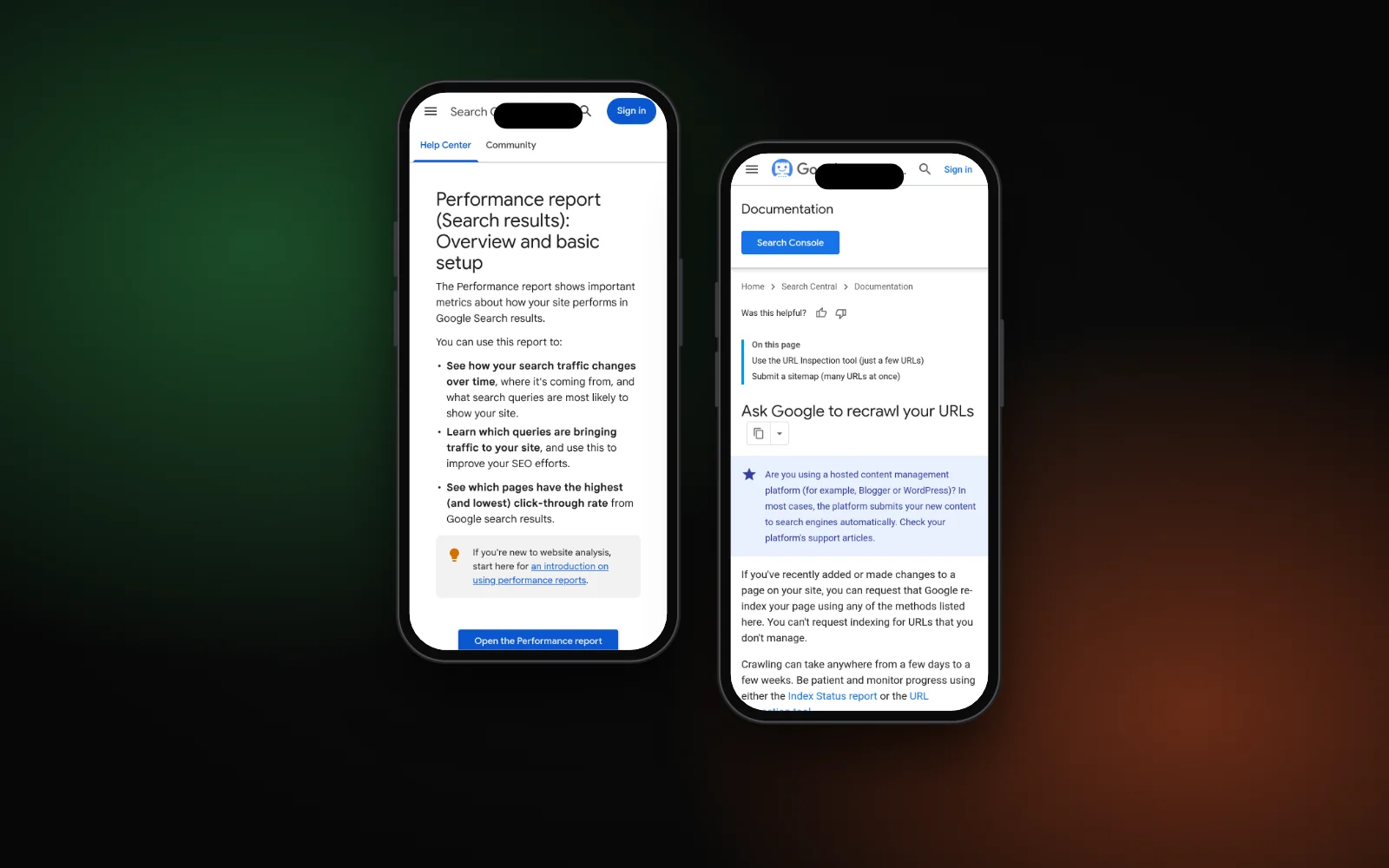
- Use Search Console. The Performance report shows clicks, impressions and CTR by page and query. Pages with plenty of impressions and few clicks are the first ones to retitle.
- Change one thing and wait. Google’s doc says it has to recrawl and reprocess the page, which “may take a few days to a few weeks”. You can ask Google to recrawl key pages.
Google says it cannot manually change title links for individual sites, so following the best practices is the only lever. The snippet under the title works the same way; see how long a meta description should be for that half of the result.
Need a hand?
Rewriting titles and descriptions from your Search Console data is part of our local SEO service. To see where you show up on Google, Maps and AI answers, run the free Search Gap check. We typically reply within 1–2 business days.