


Give every real location its own Google Business Profile and its own useful page on your website. Keep the name, address and phone number for each branch the same everywhere they appear, and link each profile to its own location page. Don’t create profiles or pages for towns you don’t actually operate from; that’s where most multi-location setups go wrong.
Last checked against Google Business Profile Help and Google Search Central: 22 Nov 2026.
First, which locations count?
Before you build anything, list the places Google will accept as locations. Google’s guidelines for representing your business set the rules:
- A staffed, real-world address counts. Google says to create your profile “for your actual, real-world location”.
- A virtual office doesn’t. If you rent a mailing address but don’t operate there, Google says that location “isn’t eligible for a Business Profile”.
- A co-working desk counts only with conditions. It needs clear signage, has to receive customers during business hours and must be staffed by your own team.
- Service-area branches count if they are genuinely separate. Google allows one profile per location when you have “separate service areas and separate staff at each location”.
If a “location” fails these tests, leave it off Google Maps. You can still mention the areas you serve on your website.
One Business Profile per location
Google’s rule is short: “Do not create more than one page for each location of your business, either in a single account or multiple accounts.” Google says duplicate profiles can cause problems with how your information displays on Maps and Search. If you already have two profiles for one branch, sort that out first with our guide to duplicate profiles.
For each profile:
- Use the same business name. Google says all locations “must have the same name” unless your real-world branding consistently varies by location. Don’t add town names or keywords.
- Use the same main category for locations that offer the same service. Google says all locations of a business must share a primary category; see how to choose Google Business Profile categories.
- Give each branch its own contact details. Google asks for a phone number or website that represents “your individual business location”.
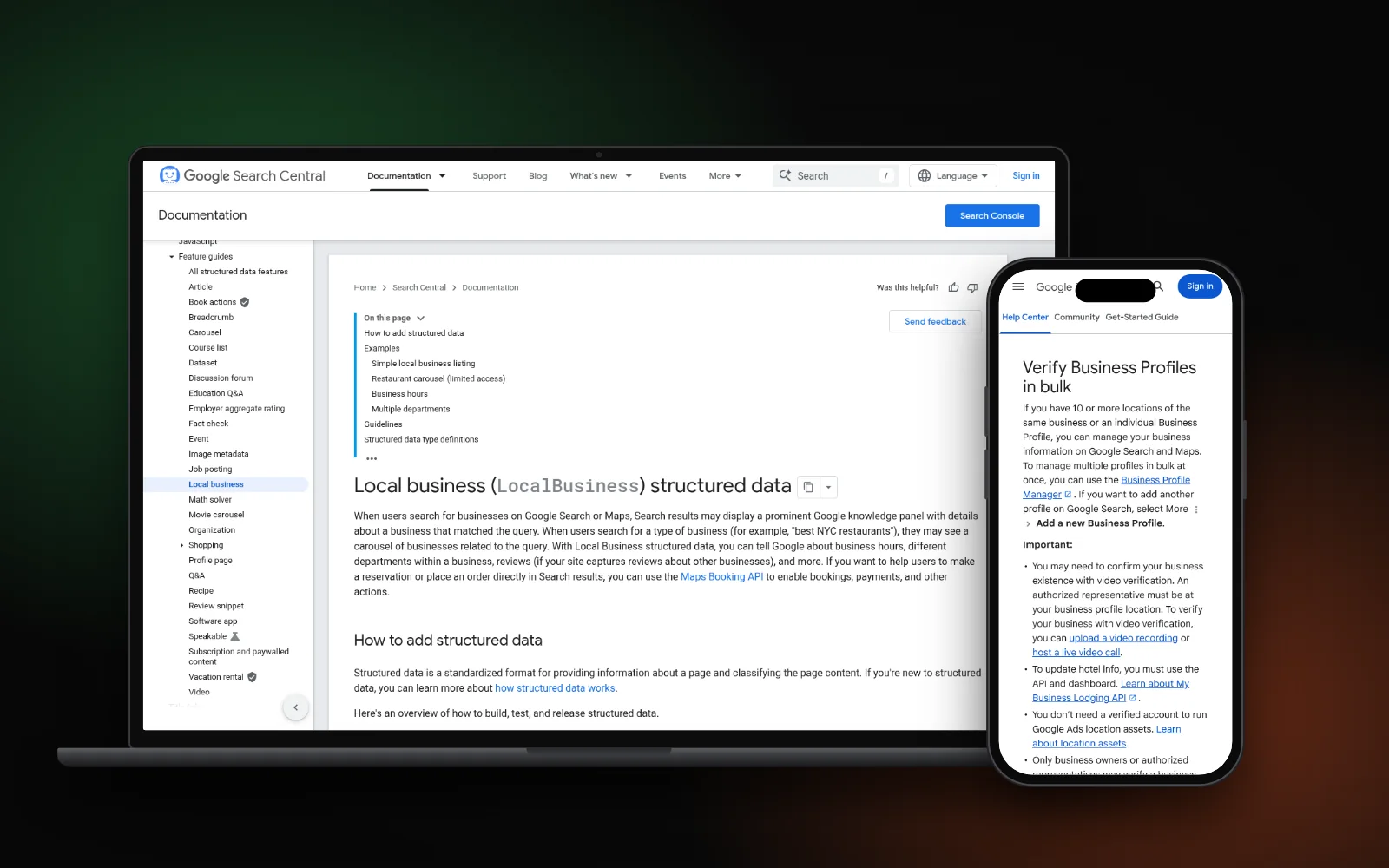
With 10 or more locations of the same business, Google lets you manage profiles together in Business Profile Manager and apply for bulk verification. Google notes that the profiles in your account “must accurately reflect the size of your business”, and service-area businesses can’t bulk verify. Fewer than 10? Verify each profile on its own.
One useful page per location
Each profile should link to a page about that branch, not your home page. A good location page answers what a visitor needs before they travel or call:
- The branch’s address, phone number and opening hours, matching its profile
- Directions, parking or access notes, and an embedded map
- The services actually offered at that branch (not every branch offers everything)
- Real photos of the premises and the team who work there
- Reviews or examples of work from that location, if you have them
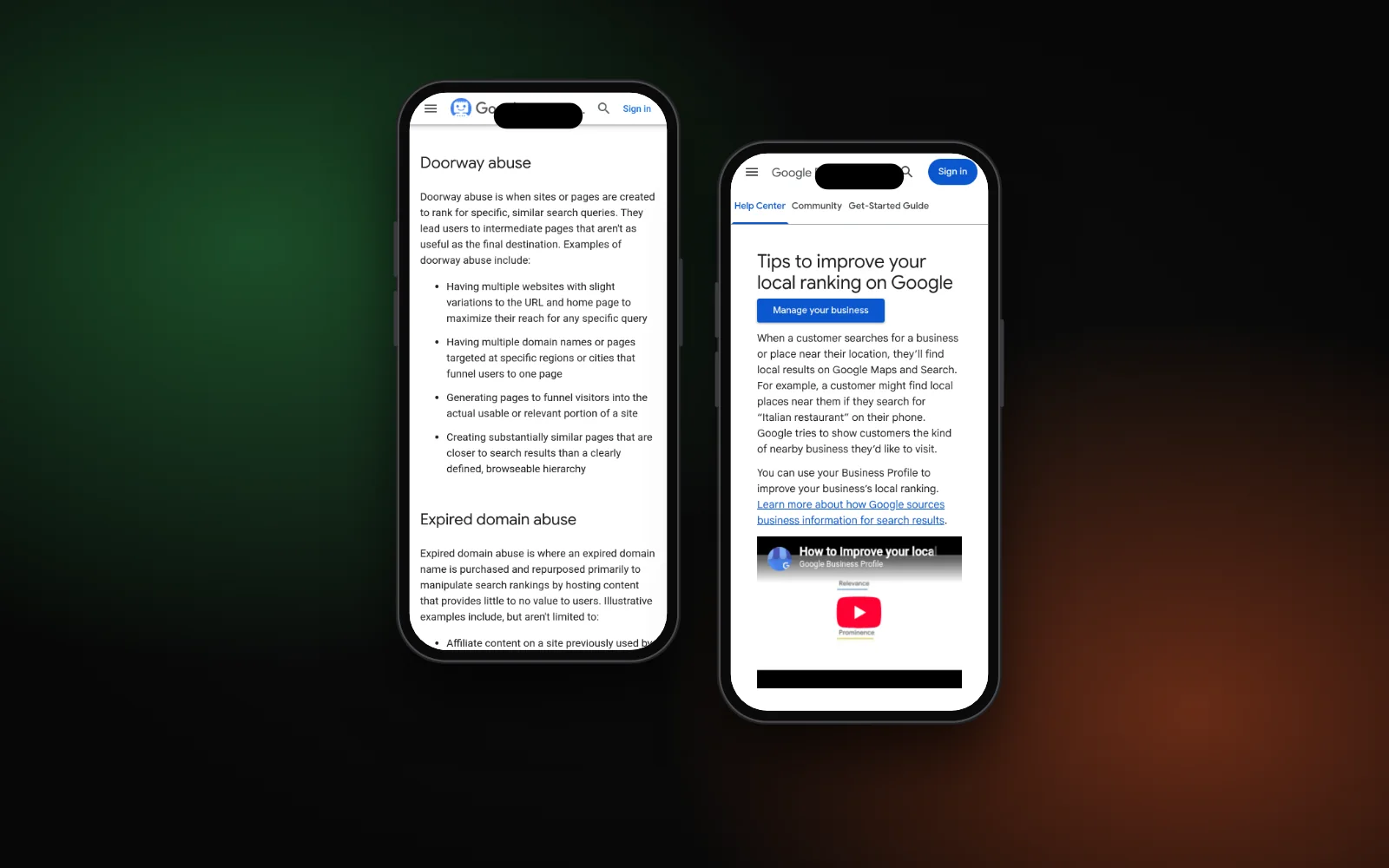
Avoid the template trap of copying one page and swapping the town name. Google’s spam policies list “pages targeted at specific regions or cities that funnel users to one page” as an example of doorway abuse. Our location page myths guide covers where area pages help and where they hurt.
Link every location page from a simple “Locations” page in your menu or footer, so both visitors and Google can reach each one in a click or two.
Keep every branch’s details consistent
Google’s guidelines ask you to represent your business “as it’s consistently represented and recognized in the real world”. With several branches, small mismatches multiply: an old phone number on one directory, last year’s hours on another.
- Keep one master list of every branch: name, address, phone, hours, page URL and who updates it.
- Update the master list first, then the profile, the location page and your main directory listings.
- When a branch moves or closes, update everything on the same day.
Our local citations guide explains how to find and fix mismatched listings.
Add schema to each location page
Google’s LocalBusiness structured data documentation says to “define each local business location as a LocalBusiness type”, using the most specific type you can, such as Dentist or Plumber. Put one block on each location page, with that branch’s own address, phone and hours, and a url that Google describes as “the fully-qualified URL of the specific business location”.
Departments with their own hours or phone numbers can use the department property. Our LocalBusiness schema guide has a copy-paste example. Schema helps Google read your details; it won’t rank a weak page.
Your multi-location checklist
Google says local results are “mainly based on relevance, distance, and popularity” in its local ranking tips. You can’t move a branch closer to a searcher, so focus on what you control for each location:
- Confirm the location is eligible: staffed, real and not a virtual office.
- Create or claim one profile, with the brand name and the right category.
- Add that branch’s own phone, hours, photos and services.
- Link the profile to its own location page.
- Make the page useful and different from your other branches.
- Add LocalBusiness schema with that branch’s details.
- Match the details in your main directory listings.
- Ask that branch’s customers for reviews, and reply to them.
If you’d like help setting up or cleaning up several locations, see our local SEO service. To see how each branch shows up across Google, Maps and AI answers, run the free Search Gap check. We typically reply within 1–2 business days.