


The best ChatGPT prompts for a small business give it your real details and ask for one specific job. Tell it who you serve, where, the tone you want and the facts it must not change. Below are 10 copy-paste prompts for everyday jobs, plus what never to paste in.
Last checked against OpenAI’s help pages and prompt guide, Google Business Profile Help and the FTC review rule: 1 Nov 2026.
The 4-part formula behind every prompt
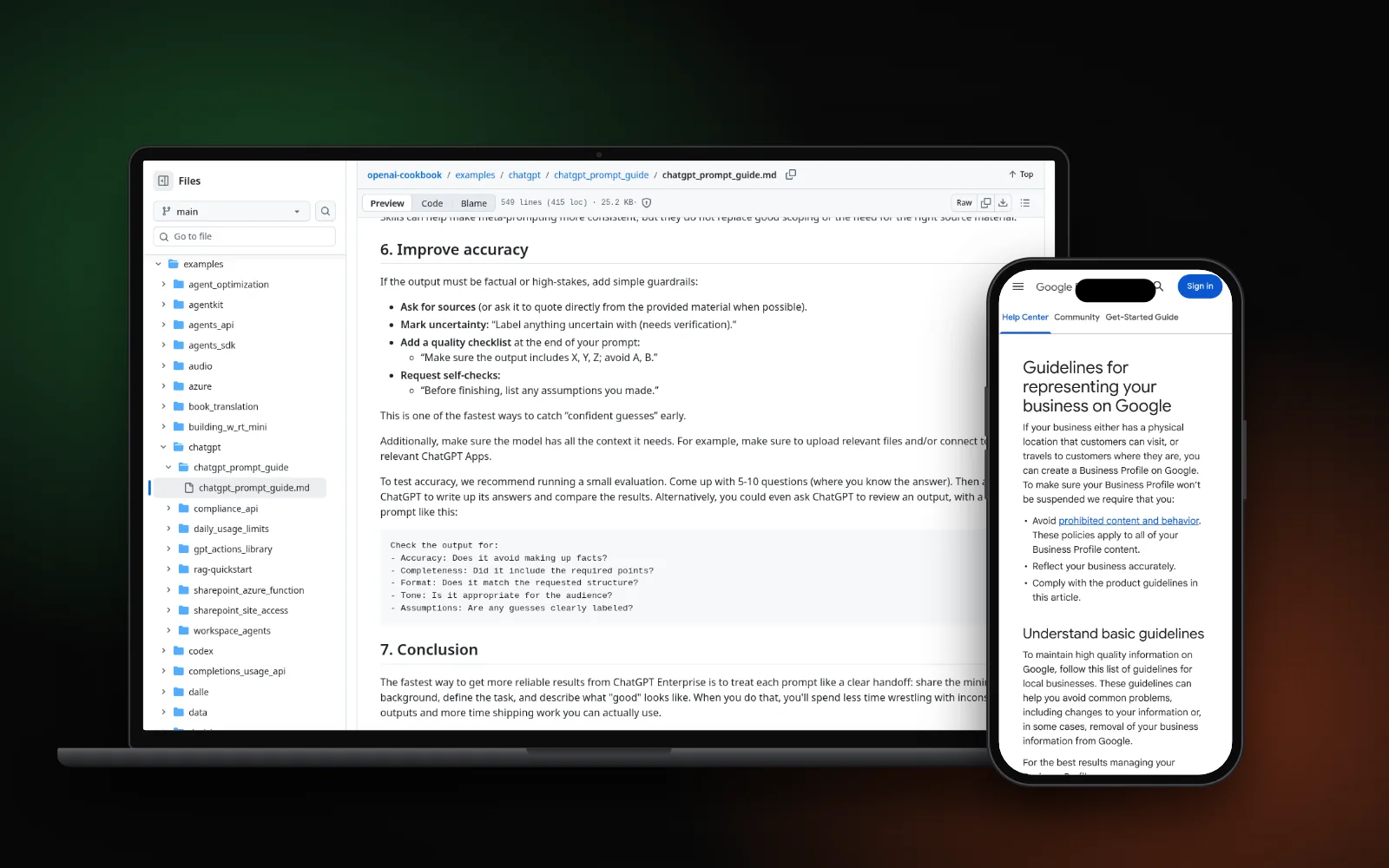
OpenAI’s ChatGPT prompt guide suggests treating a prompt like a handoff to a new intern, laid out as Context, Instructions and Constraints. Its help page adds: be specific, ask for a tone, and refine as you go. Each prompt below has four parts:
- Who you are: trade, town, customers.
- The job: one output.
- Your facts: pasted in, so it can’t guess.
- The rules: length, tone, no invented facts.
Replace everything in [square brackets] first.
Prompts for your Google profile and reviews
1. Write your Google Business Profile description
Use it for: your Google profile description.
You are helping a [type of business] in [town] write its Google Business Profile description.
Use only these facts: [services, areas served, years in business, what makes us different].
Write in plain, friendly English. No prices, offers, links or claims I haven't given you.
Check before you use it: Google’s profile guidelines ban links in the description and say it shouldn’t focus on promotions or prices.
2. Reply to a good review
Use it for: a thank-you that doesn’t sound copied.
Write a 2–3 sentence reply to this Google review for [business name].
Thank them, mention the job they described, keep it warm, not salesy.
Add no details that aren't in the review. Review: [paste review]
Check before you use it: it mentions only what the customer shared publicly.
3. Reply calmly to a bad review
Use it for: a fair public reply to an unhappy customer.
Draft a calm reply to this negative Google review. Don't argue or blame,
and don't confirm private details about the customer or job. Apologise,
invite them to contact us at [business phone or email], under 80 words. Review: [paste review]
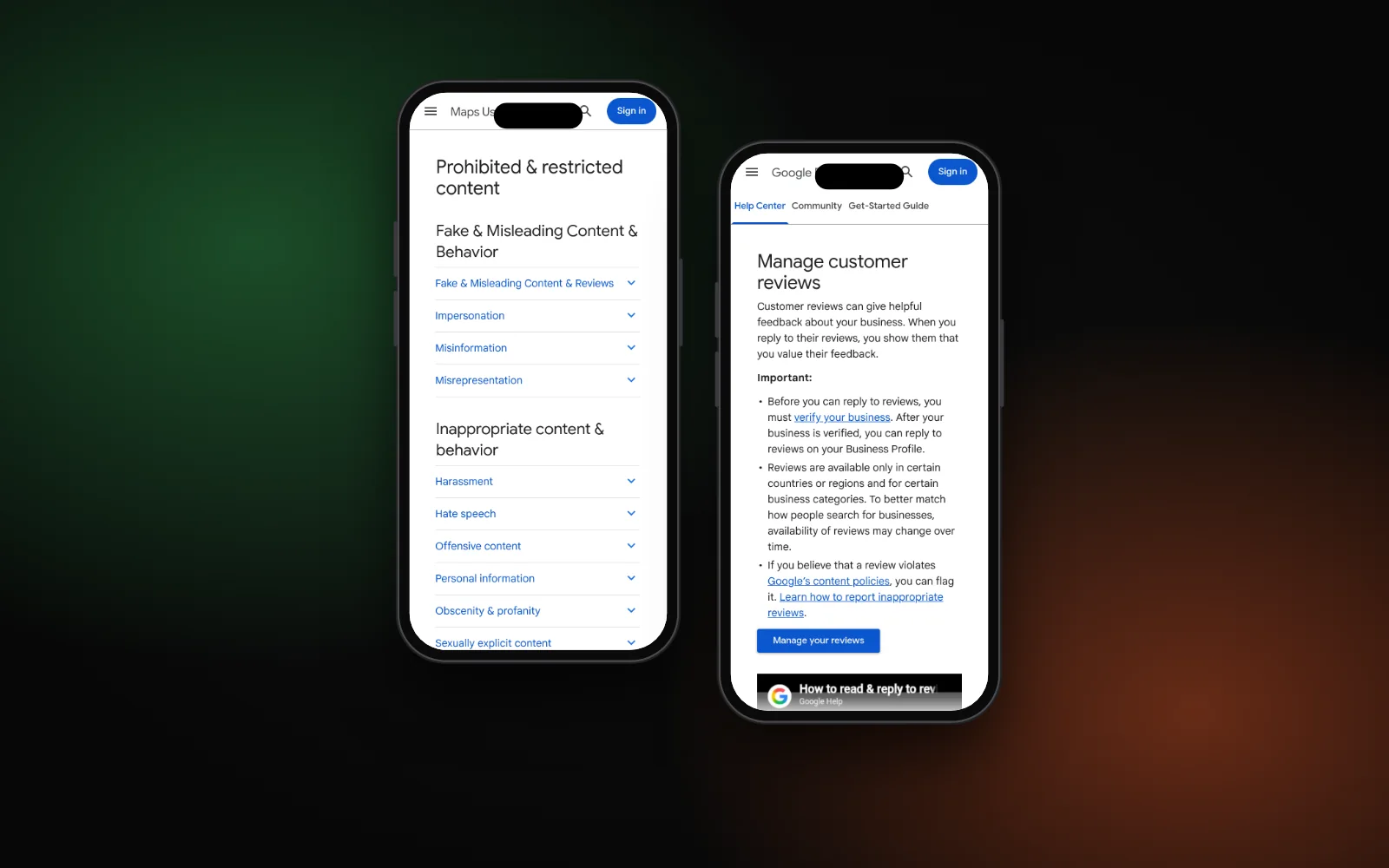
Check before you use it: Google’s review help page says the reviewer is notified when you reply. If it looks fake, read how to report fake Google reviews first.
Prompts for your website
4. Outline a service page
Use it for: a first draft structure for one service page.
I run a [type of business] in [town]. Here are my notes on our [service] service: [paste notes].
Turn them into a page outline: H1, customer questions, what's included,
areas covered and a call to action. Mark anything you guessed with (check).
Check before you use it: real services and areas only. Our guide to writing a service page covers each section.
5. Answer FAQs from your own policies
Use it for: FAQ answers that match what you actually do.
Here is our policy text: [paste cancellation, payment, warranty or call-out rules].
Write short answers to these customer questions: [list questions].
Use only the policy text. If it doesn't answer a question, write [ASK OWNER].
Check before you use it: answer every [ASK OWNER] yourself before publishing.
Prompts for quotes and customer messages
6. Turn job notes into a quote email
Use it for: a tidy quote from rough notes.
Turn these notes into a clear quote email for a customer: [paste notes, prices, dates].
List the work, price and exclusions in plain English.
Don't change any number or date I gave you.
Check before you use it: compare every price and date with your notes.
7. Reply to a missed call by text
Use it for: a quick text back when you can’t pick up.
Write 3 short text messages (under 40 words each) to send after a missed call
for a [type of business]: who we are, that we'll call back by [time],
and what to do in an emergency: [emergency rule].
Check before you use it: pick a call-back time you can keep. For more, see AI receptionists for contractors.
Prompts for planning and admin
8. Plan a month of Google posts
Use it for: post ideas based on real work.
Here are jobs we finished this month: [short list, no customer names].
Suggest 4 weekly Google Business Profile posts, each a 2-sentence draft,
based only on these jobs. No offers unless I list them.
Check before you use it: each post describes real work, with your own photos.
9. Summarize a supplier contract
Use it for: a quick read of dates, money and duties.
Summarize this supplier contract for a small business owner: [paste contract,
bank details and signatures removed]. List key dates, costs, notice periods
and auto-renewals, quoting the clause for each, then questions for my lawyer.
Check before you use it: it’s a reading aid, not legal advice. Check each clause in the real contract.
10. Explain a Search Console report
Use it for: plain English for SEO data you don’t understand.
Explain this Google Search Console data to a business owner with no SEO background:
[paste the table]. What changed, what might explain it, what should I check next?
Label anything uncertain with (needs verification).
Check before you use it: numbers move for many reasons. See how long local SEO takes for what’s normal.
What never to paste or ask for
- Never ask it to write reviews or testimonials. The FTC’s rule on fake reviews makes it illegal for a business to write or create a review that misrepresents who wrote it or their experience. Google’s Maps content policy also bans fake engagement.
- Don’t paste private customer details. OpenAI’s data controls page says that on personal Free, Plus and Pro accounts, sharing chats to improve its models is on by default. Turn off “Improve the model for everyone”, or use a Temporary chat. Business and Enterprise workspaces aren’t used for training by default. See is ChatGPT safe for business.
- Don’t send anything you haven’t checked. OpenAI’s guide suggests asking it to label anything uncertain and list its assumptions. Then check every fact yourself.
Need a hand?
To set ChatGPT up for your team with safe settings, a short AI policy and prompts for your jobs, see our AI adoption service. To see how you show up on Google, Maps and AI answers, run the free Search Gap check or see our local SEO service. We typically reply within 1–2 business days.