


No, Google doesn’t penalize content just because AI wrote or helped write it. It penalizes content made mainly to manipulate rankings, such as lots of pages generated without adding value for users. If your AI-assisted pages are accurate, original and useful to your customers, using AI is not the problem.
Last checked against Google Search Central documentation: 29 Nov 2026.
What Google actually says about AI content
Google’s guidance about AI-generated content says its ranking systems aim to reward original, high-quality content “however it is produced”. It adds: “Using AI doesn’t give content any special gains. It’s just content.” If the content is useful, helpful and original, “it might do well in Search. If it doesn’t, it might not.”
The same page answers the direct question. “Appropriate use of AI or automation is not against our guidelines”, as long as it is not used “to generate content primarily to manipulate search rankings”.
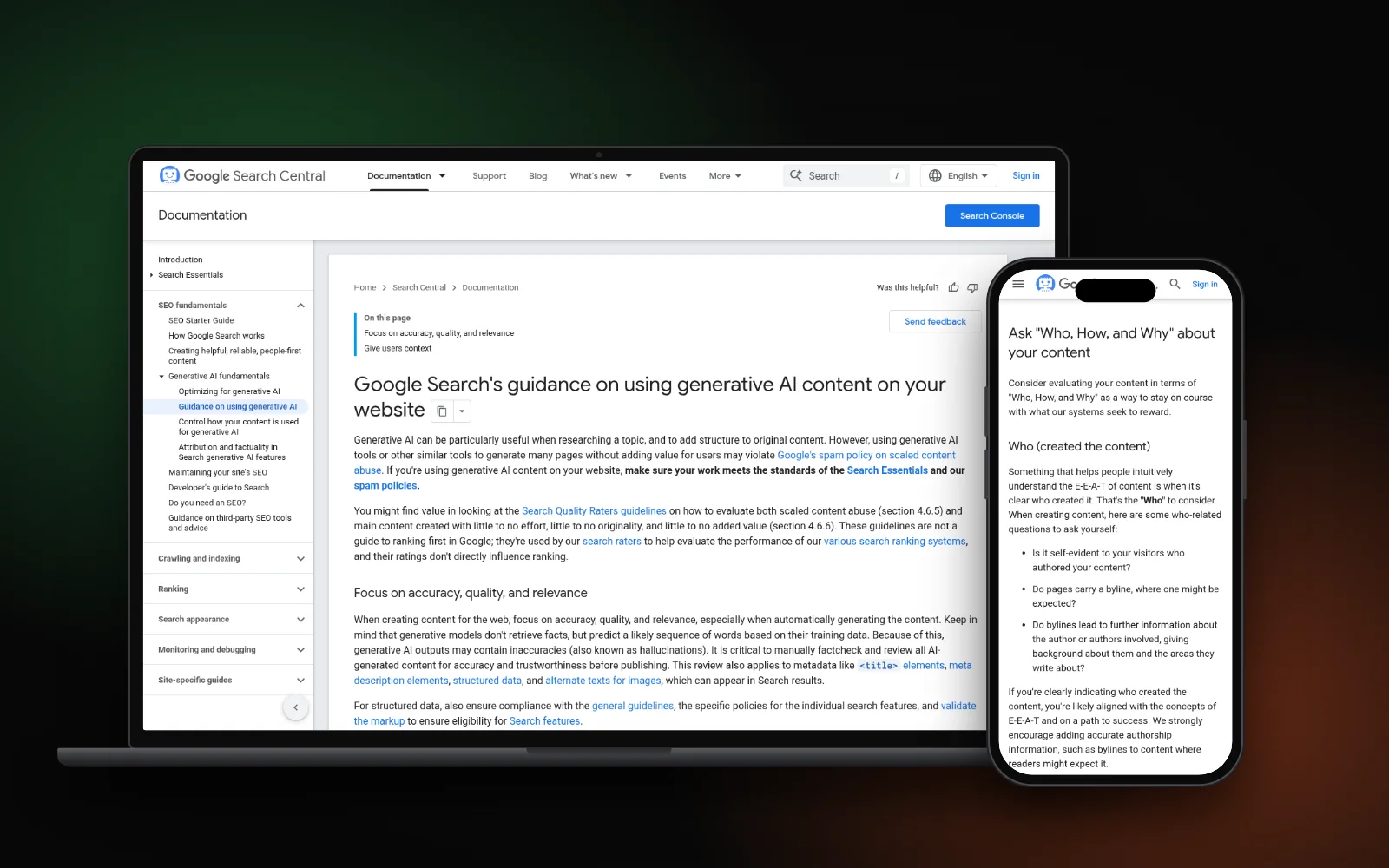
Google’s page on generative AI content is more practical. It says generative AI “can be particularly useful when researching a topic, and to add structure to original content”. The warning comes next: using AI tools “to generate many pages without adding value for users may violate Google’s spam policy on scaled content abuse.”
When AI content gets a site in trouble
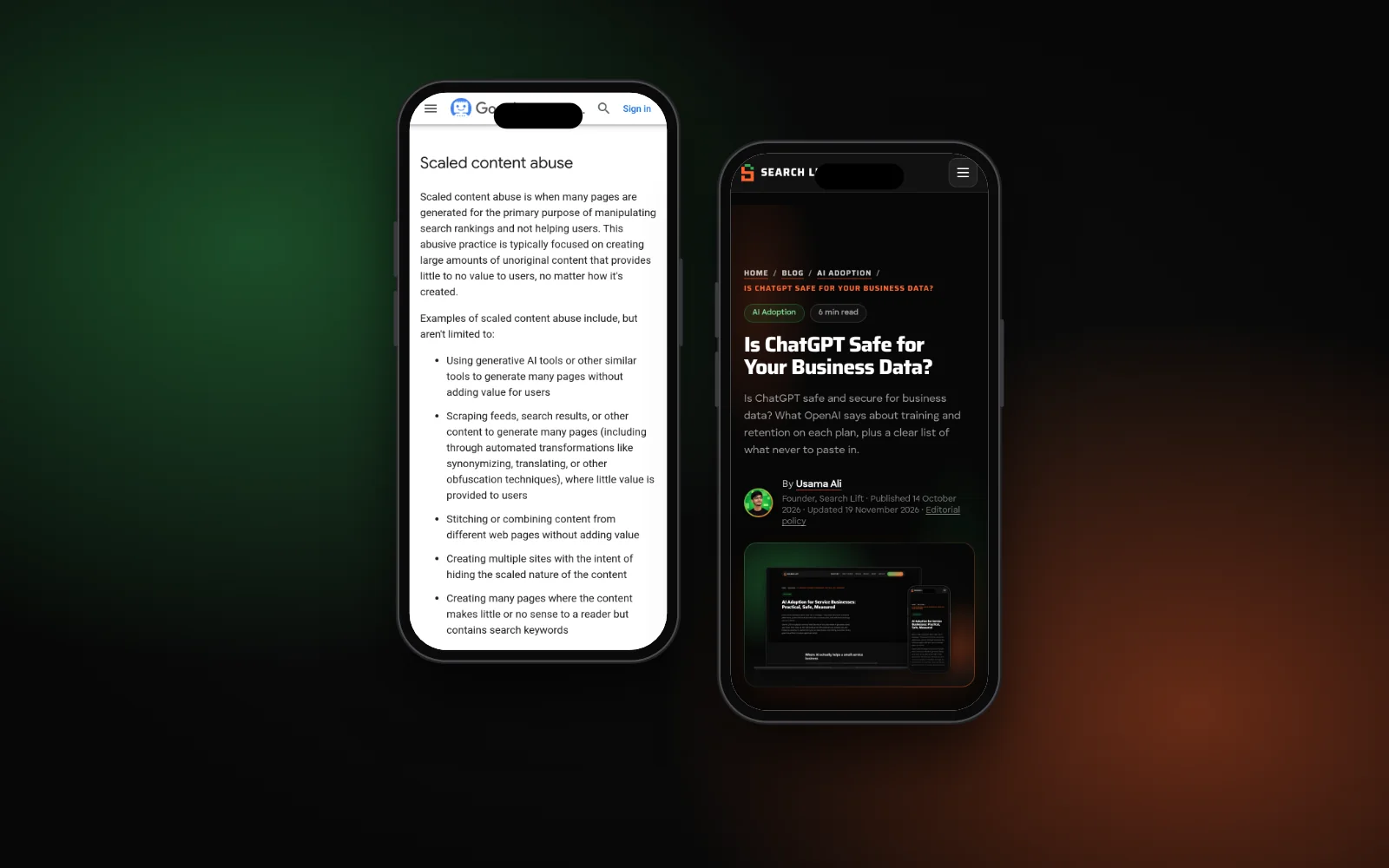
The spam policies define scaled content abuse as “many pages” generated “for the primary purpose of manipulating search rankings and not helping users”, “no matter how it’s created”. A human can break that rule too. AI just makes it easy to do by accident.
For a small business site, the risky patterns look like this:
- Many near-identical service-and-city pages. The spam policies list “multiple domain names or pages targeted at specific regions or cities that funnel users to one page” as doorway abuse. Our post on location page myths covers what a real local page needs.
- Unchecked facts. Google says generative models “don’t retrieve facts” and that outputs “may contain inaccuracies”.
- Copy that says nothing new. Google’s scaled content examples describe “unoriginal content that provides little to no value to users”.
- Invented authors. Google warns that fabricating creator profiles, “such as by using AI-generated headshots, made-up names, or false credentials”, is deception.
Google also says that if a portion of your site looks out of line with the policy, the site can get a human review. Sites that violate the policies “may rank lower in results or not appear in results at all.”
How to use AI on your website safely
Treat AI as a drafting helper, not a publisher. Before anything goes live, work through this checklist:
- Start with something real. Your own notes, job photos, prices, process and customer questions. Google says AI is useful “to add structure to original content”.
- Fact-check every claim. Google calls it “critical to manually factcheck and review all AI-generated content” before publishing.
- Check the small stuff too. The same review applies to title elements, meta descriptions, structured data and image alt text.
- Give each page one job. Write one page per real service or location. Never generate hundreds of variations to chase searches.
- Add what AI can’t know. Local details, your experience, real examples and answers from the people who do the work.
- Have a named person approve it. Someone on your team should own the page and stand behind it.
- Read it as a customer. If it doesn’t help someone decide or act, rewrite it or don’t publish it.
For safe prompts and data-handling rules, see our posts on ChatGPT prompts for small business owners and whether ChatGPT is safe for business data. For the page structure itself, use our guide to writing a service page.
Should you say you used AI?
Google’s people-first content guidance suggests asking “Who, How, and Why” about your content. The “How” part says AI or automation disclosures are “useful for content where someone might think ‘How was this created?’” and that you should add them “when it would be reasonably expected”.
The “Why” is the one to remember. Google says creating content “primarily to help people” fits what its systems reward. “Primarily making content to attract search engine visits” does not.
For most service pages, a disclosure isn’t needed. For a blog post, a short note on how AI was used and who reviewed it is a sensible habit. Always show who wrote or approved the page, and keep that byline honest.
If you’re not sure where AI fits in your business, our guide to AI consultants for small businesses explains what help is worth paying for.
Search Lift’s AI adoption service helps small businesses use AI with a review process that protects quality. To see where your business is missing on Google, Maps and AI answers, run the free Search Gap check.